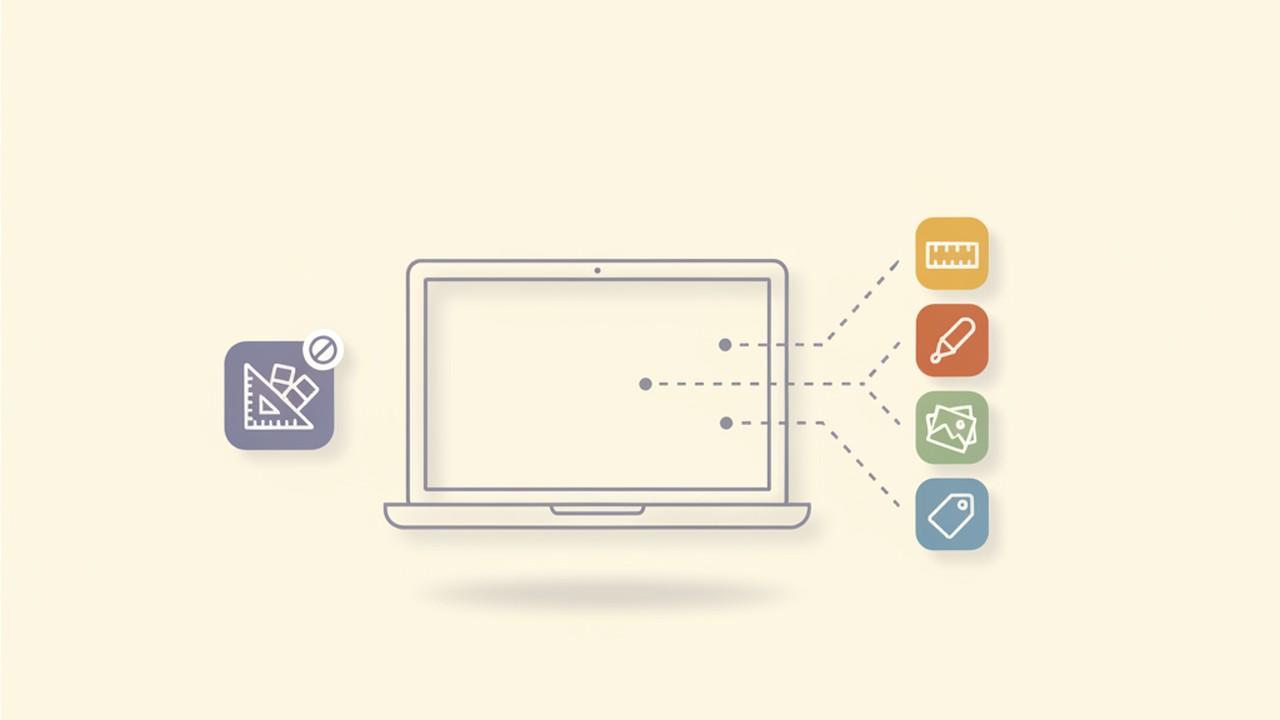
Search "PicPick for Mac" and the results are consistent: it doesn't exist, and NGWIN — the developer — has never shipped one. PicPick has been a Windows-only utility since it launched, built around Windows-specific capture APIs, and there's no indication that's changing.
That's a real gap for Mac users, because PicPick isn't a typical screenshot app. It's closer to a small design toolkit: a capture tool, an image editor, a pixel ruler, and a color picker, all bundled into one free download. People who search for a Mac equivalent are usually missing a specific piece of that bundle, not the whole thing at once — which means the right replacement depends on which piece you actually use.
What PicPick Actually Does
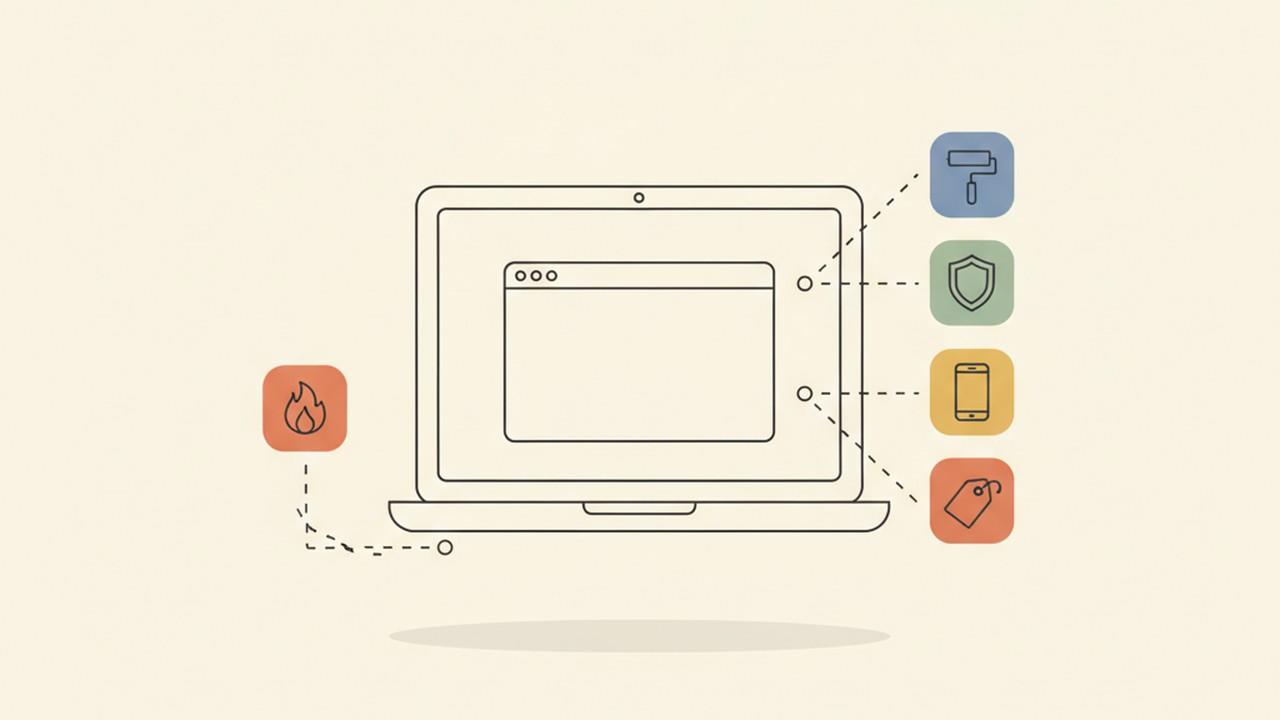
Before looking at alternatives, it's worth breaking PicPick down into its separate parts, because no other single app on any platform combines quite the same set:
- Five capture modes — full screen, active window, scrolling window, fixed region, and freehand region
- A full image editor — crop, resize, arrows, shapes, text boxes, and a watermark tool
- A pixel ruler — an on-screen ruler that measures in pixels, points, or inches, and holds up on high-DPI displays
- A color picker — reads hex, RGB, HSV, and CMYK values from any pixel on screen, useful for pulling exact colors out of a design or a competitor's site
- A whiteboard mode — a blank canvas for quick diagrams or mockups, separate from the screenshot workflow
PicPick is free for personal use. Commercial use requires a one-time license — around $55 for two seats, with a $225 lifetime team plan for five. There's no subscription tier at all, which is part of why it's stuck around with technical and support teams for years.
What to Look for in a Mac Alternative
Because PicPick covers four fairly distinct jobs, it helps to be honest about which one you'd actually miss:
- If it's the pixel ruler, you need a tool built for designers and developers measuring UI elements — not a general capture app.
- If it's the color picker, check that the tool reads live pixel colors from anywhere on screen, not just from within its own editor.
- If it's the capture-and-annotate workflow, prioritize a tool with a genuinely good editor — arrows, text, and shapes are table stakes, but backgrounds, padding, and device frames are what make a screenshot look finished rather than functional.
- If it's the price, PicPick's free-for-personal/one-time-for-commercial model rules out most subscription-first Mac tools by default.
Nothing below replicates all four in one app. That's not a knock on any of them — it's just not how the Mac ecosystem has built this category.
The Best PicPick Alternatives for Mac
1. Shottr — closest match for the pixel ruler
Shottr is a small, fast, native Mac app aimed at the same audience PicPick's design-utility side serves: developers and designers who need to measure things quickly. It has an on-screen pixel ruler for measuring gaps and element sizes, on-device OCR that copies recognized text straight to the clipboard, scrolling capture, and basic annotation and redaction tools.
What it doesn't have is a color picker or any of PicPick's visual-polish features — no gradient backgrounds, no device frames, no padding controls. Shottr is priced as a one-time $8 "Basic" purchase (with a $25 "Friends Club" option), so it matches PicPick's no-subscription pricing closely, even if the feature set is narrower.
Best for: developers and designers who'd miss the ruler and OCR more than the editor.
2. CleanShot X — closest match for capture, editing, and the color picker
CleanShot X is the more polished, general-purpose option: fast region/window/full-screen capture, scrolling capture, a genuinely good editor with backgrounds and annotations, and a built-in color picker that copies a hex code with a keypress. That covers two of PicPick's four pieces — the editor and the color picker — better than anything else on this list.
The gap is the ruler. CleanShot X has no pixel-measurement tool at all, which is a real miss if that's the PicPick feature you use daily. Pricing is a $29 one-time purchase covering the app itself and a year of updates (optional $19/year after that), plus a separate $8/month Cloud Pro subscription if you want shareable links — the core editor doesn't require it.
Best for: anyone who wants PicPick's editor-and-color-picker combo and doesn't need pixel measurements.
3. xScope — closest match for the color picker and the ruler together
If the ruler and the color picker are genuinely both non-negotiable, xScope is the closest single-app match. It's a dedicated measurement and inspection toolkit for designers and developers: on-screen rulers with scaling, rotation, and edge snapping, plus a magnified color picker with vision-impairment simulation. It's a $49.99 one-time purchase on the Mac App Store, so it stays out of subscription territory too.
What it isn't is a screenshot editor. xScope doesn't do capture-and-annotate the way PicPick, Shottr, or CleanShot X do — it's a floating measurement toolkit you'd run alongside a separate capture tool, not a replacement for one.
Best for: design and dev teams who want precise measurement and color inspection, and already have a separate app for the actual screenshot editing.
4. Savvyshot — closest match for the finished, shareable result
Savvyshot doesn't try to replicate PicPick's ruler or color picker either, but it covers the capture-and-editor side more fully than Shottr or CleanShot X do, and runs on both Mac and Windows from the same codebase. Capture modes include region, window, full screen, and scrolling capture. The editor covers canvas padding, borders, shadows, and five background types (solid, gradient, image, Unsplash photo, and Pexels video), plus device frames for iPhone and browser/window mockups. Annotation tools include shapes, arrows, text, emoji, a step counter for numbered tutorials, and a zoom callout magnifier for pointing at small details — all in the free tier.
Its closest thing to PicPick's watermark tool is a dedicated Watermark option, and its closest thing to a privacy feature is auto-redaction: on-device OCR (Apple's Vision framework on Mac, Windows OCR on Windows) that finds emails, IP addresses, phone numbers, and credit card numbers and lets you blur or solid-cover them. Pricing is free with a default watermark, $8.99 for a single-device Basic license, or $22.49 for a three-device Pro license — one-time, no subscription, matching PicPick's pricing philosophy even though the toolset is aimed at a different job.
Best for: anyone who wants a polished, shareable screenshot out the other end, cross-platform, without touching a subscription.
How They Compare
| Tool | Platform | Pixel ruler | Color picker | Backgrounds/frames | Price |
|---|---|---|---|---|---|
| PicPick | Windows only | Yes | Yes | Basic editor only | Free personal / $55 commercial (one-time) |
| Shottr | Mac only | Yes | No | No | $8 one-time |
| CleanShot X | Mac only | No | Yes | Yes | $29 one-time + optional cloud sub |
| xScope | Mac only | Yes | Yes | Not a capture app | $49.99 one-time |
| Savvyshot | Mac + Windows | No | No | Yes | Free / $8.99 / $22.49 (one-time) |
Which One Actually Fits
- You'd miss the pixel ruler most → Shottr, or xScope if you also want the color picker.
- You'd miss the color picker most, and want a real editor too → CleanShot X.
- You need precise measurement and color inspection for design/dev work, and already have a capture tool you like → xScope, paired with whichever editor you're already using.
- You mainly used PicPick to crop, annotate, and clean up screenshots before sharing them → Savvyshot or CleanShot X, depending on whether you also need Windows support.
- You want to stay as close as possible to PicPick's "free or cheap, one-time, no subscription" pricing → Shottr, Savvyshot, or xScope all avoid subscriptions entirely; CleanShot X does too unless you opt into Cloud Pro.
There's no direct PicPick clone on Mac, and there probably won't be — its bundle of capture, editing, and design-utility tools in one free app is a fairly unusual combination even on Windows. Figure out which piece you'd actually reach for day to day, and the right replacement gets a lot more obvious.
Sources: