A product screenshot is one of the most-used assets in marketing, and one of the least respected. It shows up in launch tweets, LinkedIn carousels, landing page hero sections, Product Hunt galleries, sales decks, and case studies — usually captured in a hurry, with default padding and a plain white background, then dropped straight into whatever needs it that day.
The gap between that raw capture and something that actually looks like marketing collateral is small in effort but large in impact: a background, a device frame, consistent padding, maybe a short looping motion background for a social hook. The tools that close that gap fastest, and keep the result looking consistent across dozens of assets, are the ones worth standardizing on.
Here's how the main options compare in 2026.
What Marketers Actually Need from a Screenshot Tool
This isn't the same job as a developer capturing a bug or a support agent forwarding a ticket. The bar for a marketing screenshot tool looks different:
- Genuine visual polish — gradients, backgrounds, device frames, and shadows that make a plain capture look like it belongs on a landing page, not a slightly-dressed-up screen grab.
- Brand consistency at volume — a single campaign can need a dozen social variants and three landing page assets. If padding, colors, and framing have to be reset by hand each time, consistency erodes fast.
- Motion, not just stills — a static screenshot competes for attention in a feed; a looping background or a short zoom-in clip holds it longer. Video export matters more here than for most other roles.
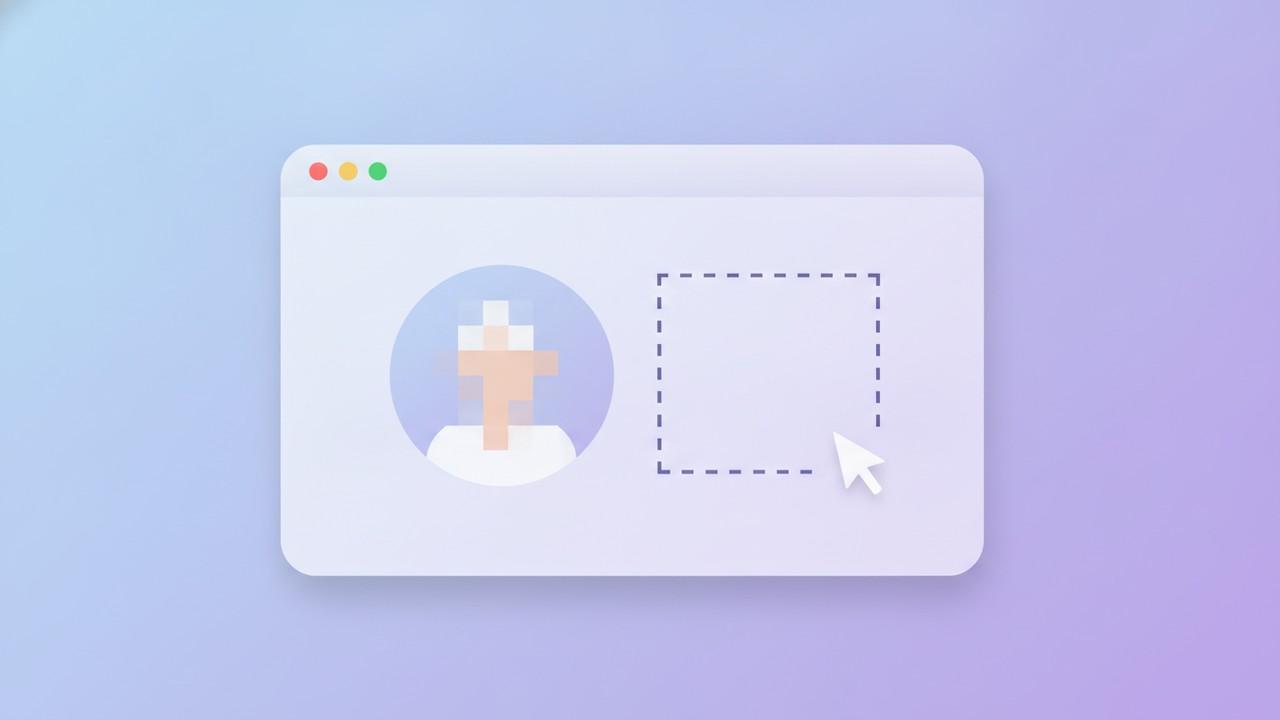
- Safe testimonial and case-study screenshots — a real customer quote, support thread, or dashboard used in a case study often has a name, email, or account detail attached that shouldn't go out publicly as-is.
- A cost model that scales with output, not headcount — marketing teams are often the heaviest screenshot users in a company, so a per-seat subscription that multiplies across a growing team adds up fast compared to a flat cost per tool.
With that as the bar, here's how the main options stack up.
1. Savvyshot — Best for Consistent, Redaction-Safe Marketing Assets
Platforms: Windows, macOS Pricing: Free with a one-time Basic ($8.99) or Pro ($22.49) unlock — no subscription
Savvyshot's editor covers the full set of things a marketing screenshot actually needs: solid, gradient, image, and Unsplash-photo backgrounds; adjustable padding, border radius, border, and shadow; and iPhone or macOS/Windows window-chrome device frames for showing a product in context. All of that is available on the free tier, along with the full annotation set and auto-redaction — a license just removes the default watermark and adds custom gradient presets, video (Pexels) backgrounds, and pinned windows.
Two things matter specifically for marketing work. First, canvas and background profiles — once padding, ratio, background, and framing are dialed in for a campaign, saving that setup as a reusable profile means the next dozen screenshots in the series start from the same look instead of being eyeballed individually. Second, auto-redaction — Savvyshot runs on-device OCR (Windows OCR on Windows, Apple's Vision framework on Mac) to automatically detect and blur emails, phone numbers, IP addresses, and credit card numbers in a screenshot. That's directly useful for testimonial and case-study screenshots pulled from real support tickets or customer dashboards, where a name is fine to show but an email or account number isn't. It's worth being precise about the boundary: detection covers those four categories via OCR, not arbitrary text, so a customer's shipping address or an account ID still needs a manual pass with the Blur tool.
For social hooks specifically, a license unlocks video backgrounds sourced from Pexels, exportable as GIF or MP4 — a looping motion background behind a static screenshot, without recording and editing a full product demo.
Best for: Marketing teams that need one tool covering polish, brand-consistent presets, and safe handling of real customer data in the same workflow, without a subscription that scales with team size.
2. Xnapper — Best for One-Click Polish on Mac
Platforms: macOS only Pricing: One-time, starting around $29.99 for a single device (higher tiers add more device activations), plus an optional discounted renewal for updates after the first year
Xnapper's whole pitch is speed: capture a screenshot and it's auto-styled in about two seconds — balanced padding, a rounded window frame, and a smart-selected background or gradient with no manual adjustment needed. For a marketer who just needs a clean screenshot for a tweet or a Slack update to a stakeholder, that's hard to beat. It also includes redaction for emails, API keys, and card numbers.
The limits are the same ones that show up in most Mac-only tools: no Windows version for mixed-OS marketing teams, and the auto-styling that makes it fast also makes fine-grained brand consistency across many assets more of a manual override than a saved default.
Best for: Mac-only marketers who want a fast, opinionated default look with minimal manual styling per screenshot.
3. Shots.so — Best Web-Based Option for Animated Social Mockups
Platforms: Browser-based (any OS) Pricing: Free tier available; paid plans around $8–12/month for WebP export and premium animated effects
Shots.so is built specifically for the marketing and indie-maker use case: drop in a screenshot, place it in a device frame (iPhone, Android, iPad, iMac, Apple Watch, or a plain browser window), add a background or a 3D shape, and export. On paid plans it supports animated mockups with motion presets and zoom effects, which is a genuine fit for Product Hunt galleries, changelog posts, and landing page hero sections that need to move.
Being browser-based cuts both ways — no install and works on any OS, but it also means screenshots pass through a web app rather than staying local, which matters if any of them contain unredacted customer data. It's best treated as a finishing step for screenshots that are already safe to share, not the tool doing the redaction.
Best for: Marketers who want animated, on-brand mockups fast and don't want to install a desktop app to get them.
4. CleanShot X — Best for Mac Teams That Need Quick Stakeholder Sharing
Platforms: macOS only Pricing: $29 one-time (includes a year of updates, optional $19/year renewal after); separate CleanShot Cloud subscription (around $8/month) for hosted sharing links
CleanShot X pairs a strong native editor — backgrounds, annotation, scrolling capture — with CleanShot Cloud, which uploads a screenshot and puts a shareable, expiring link on the clipboard. For a marketer looping a designer or a founder in on a draft asset before it's finished, that link-based workflow is faster than attaching files back and forth.
The trade-off is the same platform lock-in as Xnapper: Mac-only, so it doesn't cover a team with any Windows marketers, and the cloud-sharing convenience comes at an extra recurring cost on top of the one-time app price.
Best for: All-Mac marketing teams that want fast link-based sharing of drafts alongside a capable native editor.
5. Screely — Best Free Option for Simple Browser Mockups
Platforms: Browser-based (any OS) Pricing: Free tier; Pro around $7/month
Screely does one specific thing well: drop in a screenshot and get a realistic macOS or Windows browser frame around it, with a background and adjustable padding. For a marketer who only occasionally needs a "screenshot in a browser window" image for a blog post or a tweet, the free tier covers it without needing an account for much beyond that.
It's narrow by design — no device frames beyond browser chrome, no annotation tools, no redaction — so it works best as an occasional finishing tool rather than the primary way a team produces marketing screenshots.
Best for: Occasional browser-mockup needs where installing a full editor isn't worth it.
How the Options Compare
| Need | Best fit |
|---|---|
| Brand-consistent presets + redaction-safe testimonials | Savvyshot |
| Fastest one-click polish (Mac) | Xnapper |
| Animated mockups for social/Product Hunt | Shots.so |
| Quick stakeholder link-sharing (Mac) | CleanShot X |
| Free, occasional browser mockups | Screely |
| Cross-platform, one-time purchase | Savvyshot |
Watch What Ends Up in a Testimonial Screenshot
The most common privacy slip in marketing screenshots isn't a hacked dashboard — it's a case study or testimonial image lifted straight from a support ticket or a customer email, cropped just enough to remove the obvious identifiers but not the ones sitting in a header or a signature. An email address in a screenshot's corner, or a full name next to an account number, is easy to miss when the focus is on the quote itself.
That's a reasonable use case for automatic detection over a manual crop-and-hope approach: it catches the categories that are easy to overlook because they're not the part of the image anyone's actually looking at.
The Bottom Line
For a marketing team producing screenshots at real volume — social assets, landing pages, case studies — brand consistency and safe handling of real customer data matter more than any single styling feature, and Savvyshot is the strongest cross-platform option built around both, at a one-time cost that doesn't scale with team size. If speed on a single screenshot is the only priority and the team is Mac-only, Xnapper's auto-styling is hard to beat. For animated, social-ready mockups without installing anything, Shots.so fits the browser-based workflow well. And for teams that just need the basics — a browser frame here, a quick shareable link there — Screely and CleanShot X both do their narrower jobs cleanly.