Remote work runs on screenshots.
Without the ability to tap someone on the shoulder or point at a shared screen, distributed teams lean heavily on visual communication — a quick screenshot to flag a bug, an annotated capture to explain a design decision, a polished image for an async product review. The problem is that most screenshot tools were built for individual use, not team workflows.
Here's a look at the best options in 2026, organized by what remote teams actually need them for.
What Remote Teams Actually Need from a Screenshot Tool
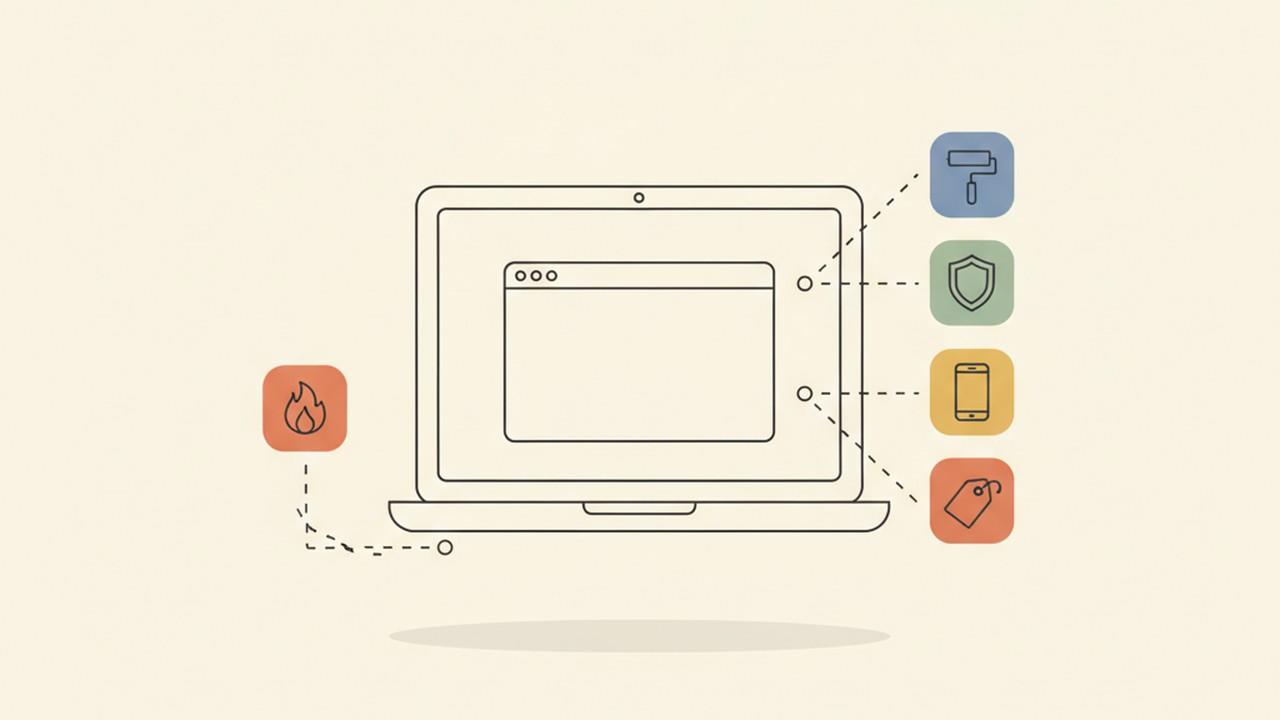
Before getting into specific tools, it's worth being clear on what makes a screenshot tool genuinely useful for distributed teams versus solo users:
- Cross-platform support — remote teams are rarely all on the same OS. A Mac-only tool immediately excludes Windows teammates.
- Annotation built in — async feedback without annotations forces the reader to guess what you're pointing at.
- Fast sharing — the fewer steps between capture and sending, the better. Copy to clipboard, instant link, or native share.
- Redaction — screenshots shared in team channels often contain sensitive information that shouldn't be visible to everyone.
- Consistent output — if screenshots are going into documentation or client deliverables, they should look consistent, not like they came from five different tools.
With that in mind, here are the tools worth knowing.
1. Savvyshot — Best for Teams That Care About Visual Quality
Platforms: Windows, macOS
Pricing: Free with one-time Pro upgrade (no subscription)
Savvyshot is a screenshot beautifier and editor built for people who share screenshots frequently and want them to look polished without extra effort. It's particularly strong for async workflows where the screenshot needs to stand on its own without a verbal explanation.
Key features for remote teams:
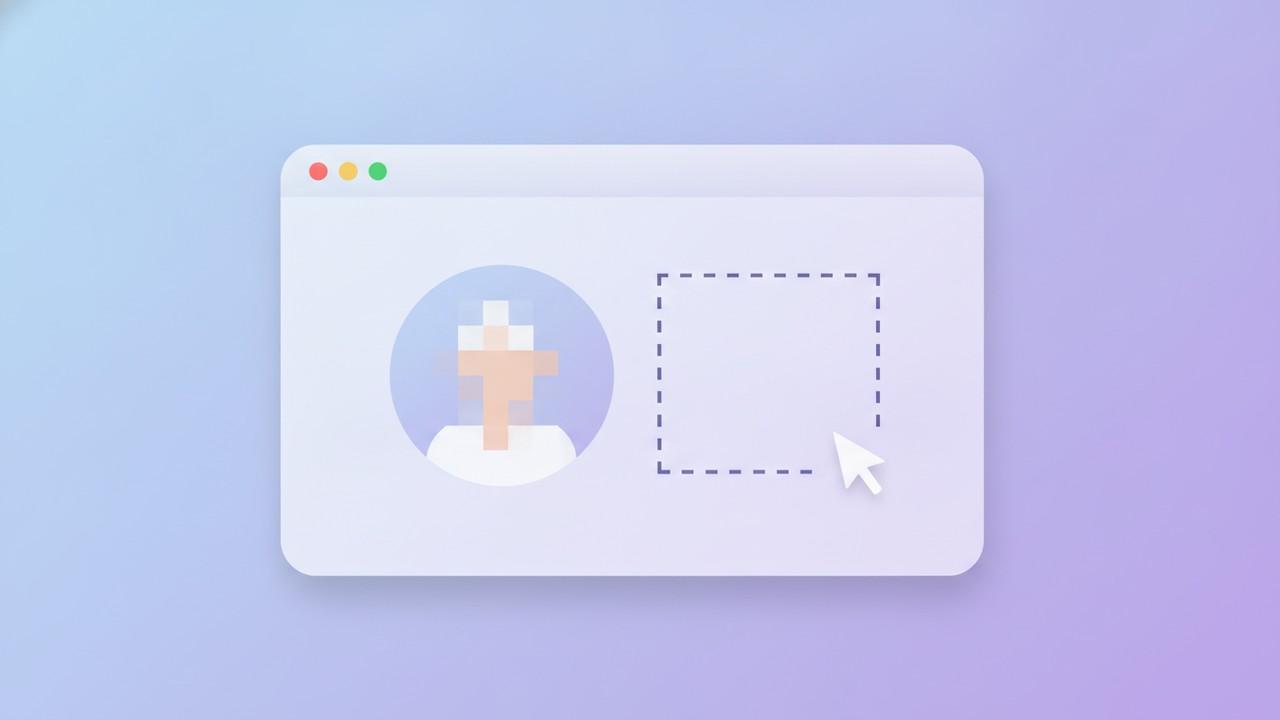
- Auto-redaction — automatically detects and blurs sensitive content (emails, phone numbers) before you share
- Annotation tools — arrows, shapes, text, callouts, and a magnifier for highlighting small UI details
- Background customization — gradient and image backgrounds that make screenshots look like proper product visuals, not raw screen dumps
- Full-page scroll capture — captures content that doesn't fit in a single viewport
- Native share — share directly via the system's share popup without saving to disk first
- WebP export — smaller file sizes for web-based tools and documentation platforms
The one-time purchase model is worth flagging for teams: no per-seat subscription, no renewal reminders, no per-user pricing negotiation. You pay once, own it permanently.
Best for: Design, product, and marketing teams who share screenshots in client deliverables, documentation, or public-facing content.
2. Zight — Best for Teams That Need Cloud Sharing and Video
Platforms: Windows, macOS, Chrome extension
Pricing: Subscription-based, free tier available
Zight (formerly CloudApp) is a visual communication platform that handles screenshots, screen recordings, and GIFs in one tool. Its main advantage for remote teams is the instant shareable link — capture something, and a link is automatically copied to your clipboard ready to paste into Slack or email.
It works well for teams that do a lot of async walkthroughs where a short recording supplements a screenshot. The annotation tools are solid but lighter than dedicated screenshot editors.
Best for: Teams that need video and screenshot in the same tool and prioritize instant cloud sharing.
3. Snagit — Best for Documentation-Heavy Teams
Platforms: Windows, macOS
Pricing: Subscription (moved away from one-time purchase in recent years)
Snagit is one of the most feature-complete screenshot tools available and has a long track record in professional documentation workflows. It supports scrolling capture, video recording, a template library, and deep integration with tools like Confluence, Google Drive, and Microsoft Teams.
The trade-off is cost — Snagit now runs on a subscription model, which adds up quickly for larger teams. It's also heavier than most teams need if their use case is primarily annotated screenshots rather than full documentation production.
Best for: Technical writers, training teams, and organizations that produce structured documentation at scale.
4. ShareX — Best Free Option for Windows Teams
Platforms: Windows only
Pricing: Free, open source
ShareX is the most capable free screenshot tool for Windows. It supports region capture, scrolling capture, screen recording, and an extensive annotation editor. It also has a built-in workflow automation system that can automatically upload, rename, and copy links on capture.
The interface is dense and takes time to configure, but for Windows-only teams with technical users and a tight budget, it's hard to beat.
Best for: Windows-only technical teams comfortable with setup and configuration.
5. Shottr — Best Lightweight Option for Mac
Platforms: macOS only
Pricing: Free with optional paid license
Shottr is a fast, minimal screenshot tool for Mac that stays out of the way. It captures, offers basic annotations, and has a built-in OCR tool for copying text from screenshots. It's not built for heavy annotation workflows, but for quick async sharing it's excellent.
The limitation for remote teams is the Mac-only constraint — it's not a viable primary tool if your team is mixed OS.
Best for: Mac-only teams that want something lightweight with quick capture and OCR.
How to Pick the Right Tool for Your Team
| Need | Best fit |
|---|---|
| Cross-platform (Mac + Windows) | Savvyshot, Zight, Snagit |
| Polished, client-facing screenshots | Savvyshot |
| Async video + screenshot | Zight |
| Large-scale documentation | Snagit |
| Free, Windows-only | ShareX |
| Lightweight, Mac-only | Shottr |
A Note on Subscriptions vs. One-Time Purchase
Most team tools default to per-seat subscriptions, which makes sense for collaboration platforms. For screenshot tools specifically, the calculation is different — screenshots are captured individually, not collaboratively. You don't need shared workspaces or team sync.
That makes one-time purchase tools a genuinely better value for distributed teams. Each person on the team buys a license once, and that's the end of the cost conversation. No annual renewals, no per-user pricing tiers, no upgrade prompts when headcount changes.
Savvyshot and Shottr are the two strongest options here. For teams that need Windows support, Savvyshot is the only cross-platform one-time purchase option in this list.
The Bottom Line
The best screenshot tool for your remote team depends on what you're capturing and where it ends up. For polished async communication and client-facing visuals on both Mac and Windows, Savvyshot is the strongest option in 2026. For teams that need cloud sharing and async video alongside screenshots, Zight is worth the subscription. For documentation at scale, Snagit remains the category leader.
Whatever you choose, the right tool is one your whole team can actually use — which means checking OS support before anything else.