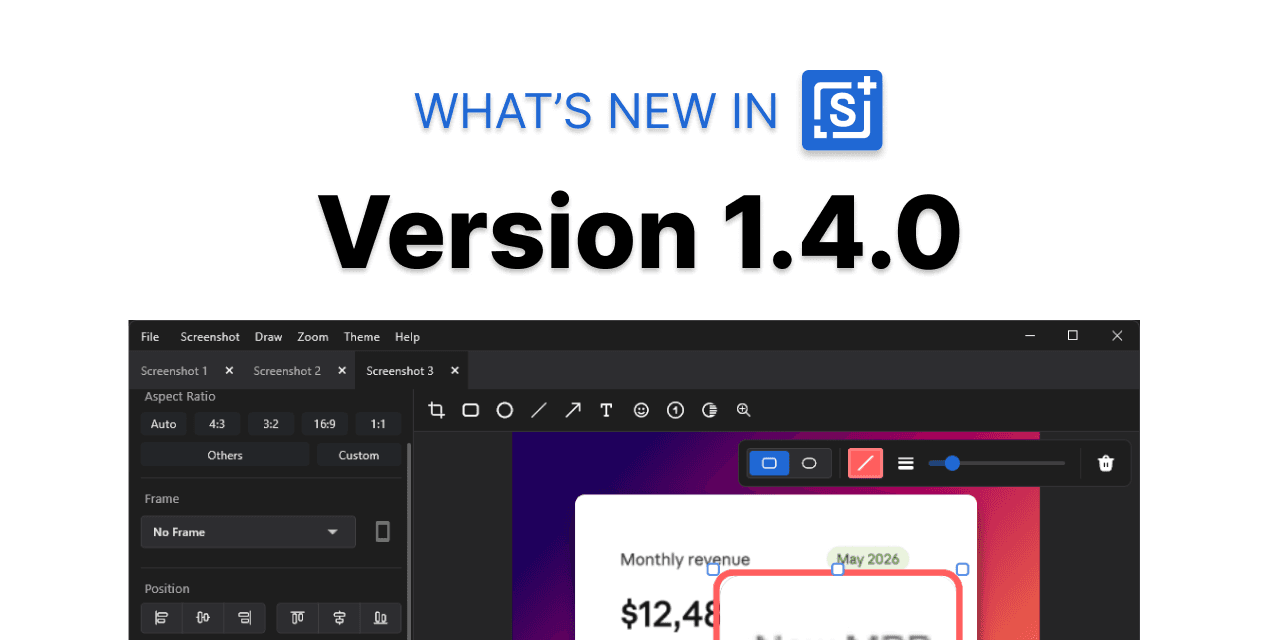
Savvyshot 1.4.0 is the biggest update we've shipped in a while. It adds two headline features — video backgrounds and the magnifier annotation — alongside a round of annotation improvements, new export options, and a faster capture-to-share workflow.
Here's everything that's new.
🎬 Video Backgrounds
Screenshots don't have to be static. With 1.4.0, you can now set a looping video as your screenshot background — great for product demos, social posts, or anything where you want your screenshots to stop the scroll.
Video backgrounds are available on Basic and Pro licenses. You can export the final result as a GIF or MP4 to preserve the animation.
🔍 Magnifier Annotation
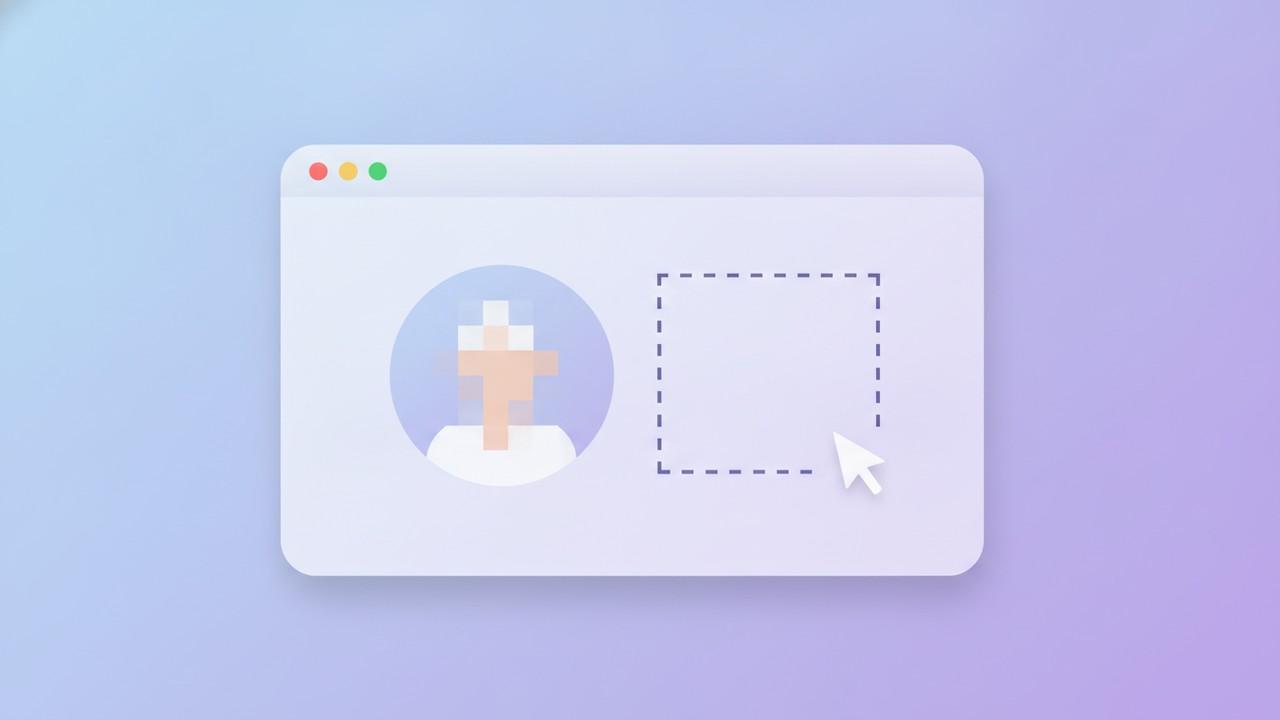
Sometimes you need to draw attention to a small detail in a large screenshot. The new magnifier annotation lets you select any area of your screenshot and display an enlarged version of it inline — no cropping, no separate callout image needed.

It's especially useful for tutorial content, bug reports, and product documentation where the fine print matters.
✏️ Annotation Improvements
Revised Text Box
The text box annotation has been rebuilt with a smoother editing experience. Clicking into a text box now feels more natural, and editing longer labels no longer requires workarounds.
Shape Style Options
Rectangle, circle, and arrow annotations now support three style modes:
- Solid — fully filled, high contrast
- Semi-transparent — filled with partial opacity, good for overlaying without obscuring
- Outline only — border only, no fill
⚡ Capture & Export
Preview Window
There's now an option to show a quick preview window right after a capture, instead of jumping straight into the editor. Good for situations where you just want to check what you captured before committing to an edit session.
Native Share
You can now share screenshots directly via your system's native share popup — the same one you'd use to share a file from Finder or Explorer. Faster than exporting to a folder and attaching manually.
WebP Export
Savvyshot now exports in WebP format. WebP files are significantly smaller than PNG at comparable quality — useful when you're embedding screenshots in documentation, blog posts, or anywhere file size matters.
🐛 Bug Fixes
- Screenshot loading — Fixed slow loading when opening a grabbed screenshot in the editor
- Canvas sizing — Fixed source images being scaled down unintentionally when changing the size ratio; also fixed Zoom to Fit not behaving correctly in some cases
Get 1.4.0
The update is available now. Download Savvyshot and it will update automatically, or grab the latest installer from the download page.
If you're not on a license yet, see pricing — video backgrounds require a Basic or Pro license, and Pro unlocks the full feature set.