最新記事
英語のみ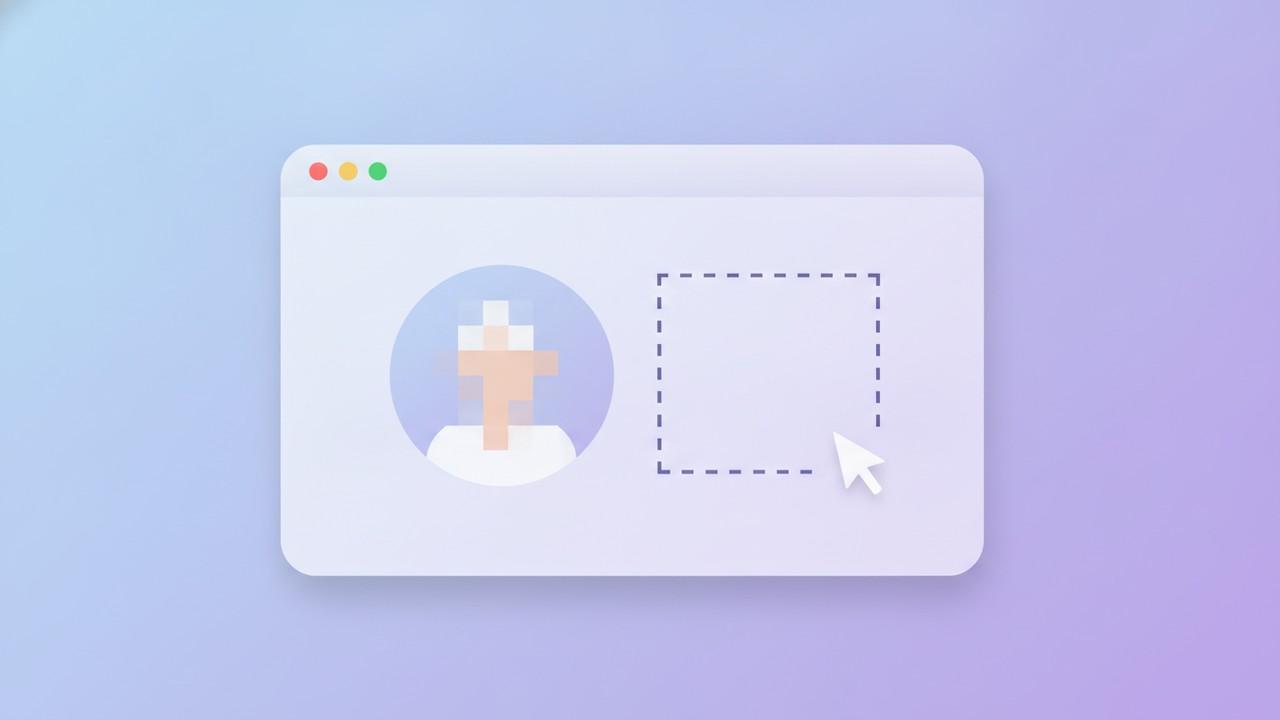
How to Blur a Face (or Anything Else Auto-Redaction Misses) in a Screenshot
Automatic redaction is built to find sensitive text — emails, phone numbers, card numbers. It has no idea what a face, a logo, or a profile photo is. Here's when you need manual redaction instead, and how to do it without accidentally leaving the original recoverable.
Best Flameshot Alternatives in 2026
Flameshot is free, open source, and genuinely good at fast capture-and-annotate. It doesn't try to do gradient backgrounds, device mockups, or auto-redaction — here's what to reach for when you need that part too.
Screenshot Metadata and Privacy: What Your Files Actually Reveal
A screenshot feels like a flat, harmless image — no camera, no GPS, nothing to hide. It still carries a little more than you'd expect, and almost all of the real risk isn't in the file's metadata at all. Here's what's actually there, and what to check before a screenshot goes out the door.
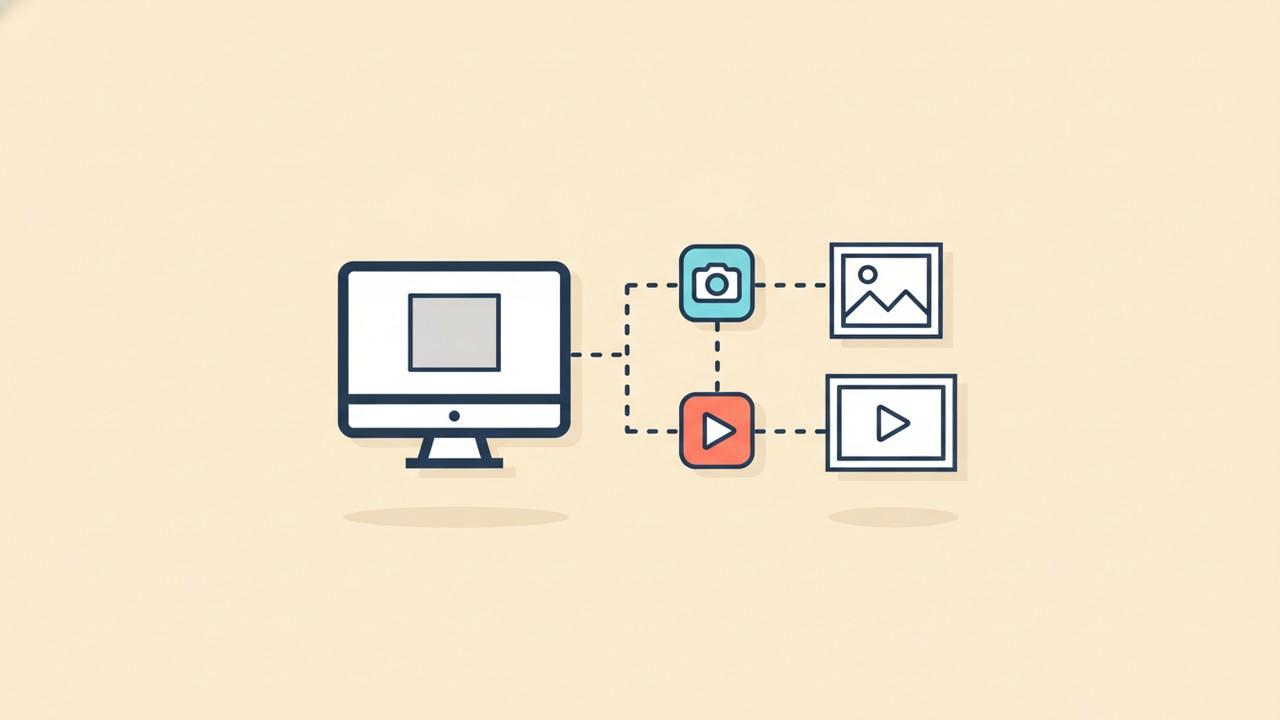
Screenshot vs. Screen Recording: Which One Should You Actually Send?
Both capture what's on your screen, and it's tempting to default to whichever app happens to be open. The right choice actually depends on what the other person needs to see — here's how to tell which one that is.

Best Screenshot Browser Extensions in 2026
A browser extension is the fastest way to grab a full webpage screenshot, but it's also the only kind of screenshot tool that asks for standing permission to read every page you visit. Here's what the good ones actually do, what to check before installing one, and when you're better off with your browser's built-in tool instead.
The Best Screenshot Tools for Indie Makers in 2026
Indie makers don't have a separate design team, support team, and marketing team — they're all the same person, usually screenshotting the same product for five different reasons before lunch. Here's how the best tools for that handle it in 2026.
The Best Screenshot Tools for Marketers in 2026
A raw screenshot doesn't belong in a social post, landing page, or case study — it needs a background, a frame, and a consistent look across a whole campaign. Here's how the best screenshot tools handle that in 2026.
Why Your Screenshots Look Washed Out (and How to Fix It)
The same UI can look crisp on your monitor and flat the moment it's screenshotted — dull colors, low contrast, a slightly gray cast. Here's what's actually causing it and the fastest ways to fix it before you share or publish.
How to Organize Your Screenshots So You Can Actually Find Them Later
Screenshots don't clutter a Downloads folder because people are careless — they clutter it because the default filename and save location were never designed to be searched. Here's a naming and folder system that actually holds up, plus how CleanShot X, Snagit, and ShareX handle the same problem.
The Best Screenshot Tools for Designers in 2026
Portfolio case studies, App Store assets, client decks, before/after comparisons — designers need screenshots to look intentional, not captured. Here's how the best tools for the job compare in 2026.
The Clipboard-First Screenshot Workflow (Stop Saving Files You'll Never Open Again)
Every screenshot that ends up pasted into Slack, Jira, or an email doesn't need to exist as a file first. Here's how to build a capture-edit-paste workflow that skips the Save dialog entirely, and when saving to disk is still the right call.
The Right Screenshot Size for X, LinkedIn, Slack, and Docs
The same screenshot that looks crisp on your monitor can show up cropped on X, shrunk to a thumbnail on LinkedIn, or oddly wide in Slack. Here's what dimensions each platform actually wants, and how to export once instead of resizing by hand every time.
The Best Screenshot Tools for Customer Support Teams in 2026
Support agents screenshot more customer data than almost any other role — ticket details, order history, account emails. Here's how the best screenshot tools handle that, and which ones actually protect it.
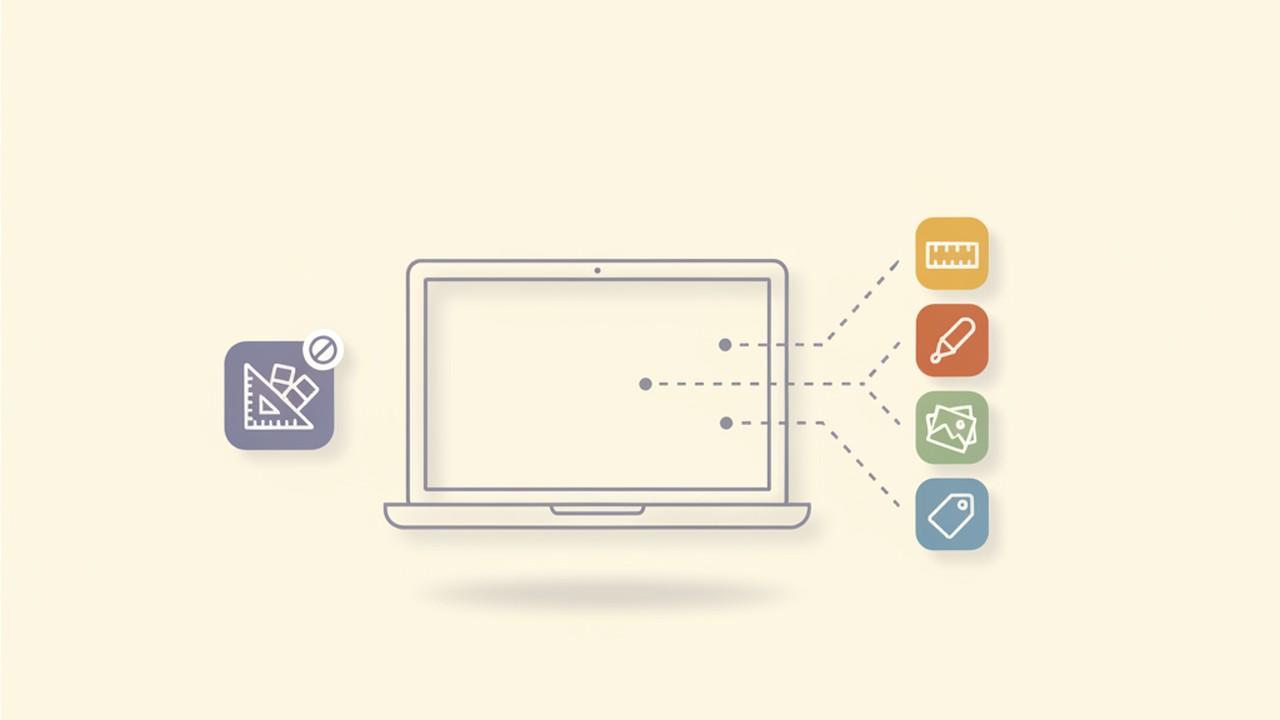
Best PicPick Alternatives for Mac in 2026
PicPick bundles capture, a full image editor, a pixel ruler, and a color picker into one free Windows app — and it has no Mac version. Here's what actually covers each piece on macOS, and why no single app replaces the whole bundle.
Why Your Screenshot Comes Out Black on Mac (And How to Fix It)
A screenshot that's supposed to show your screen and instead shows a solid black rectangle is almost never a bug in the app you're using — it's macOS refusing to hand over pixels it hasn't been given permission to capture. Here's what's actually happening and how to fix it for good.
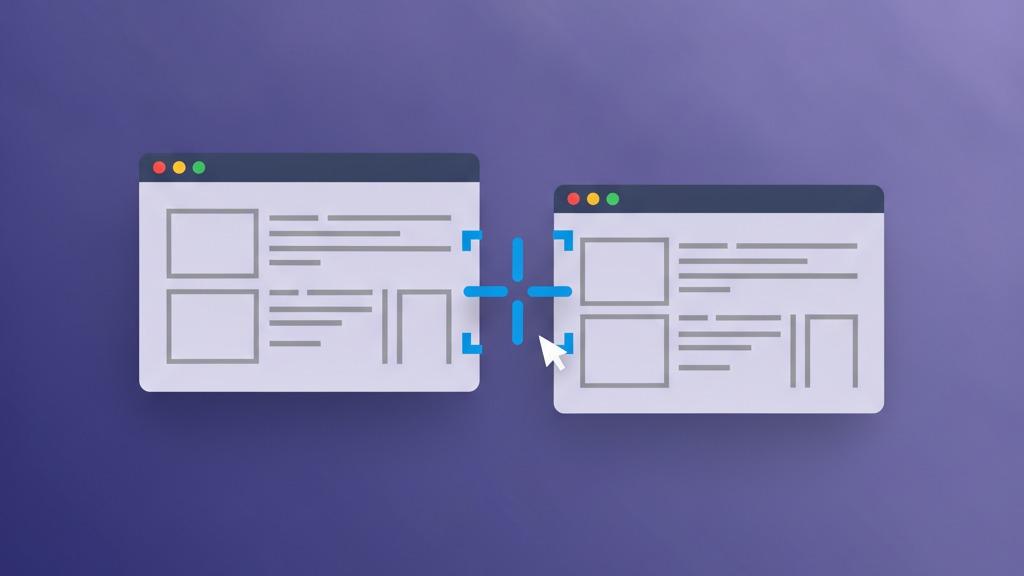
How to Take Screenshots on a Multi-Monitor Setup Without the Glitches
Wrong screen captured, blurry results, or an image cropped to your smallest display — multi-monitor screenshots break in a handful of predictable ways, almost always tracing back to per-monitor DPI scaling. Here's what's actually happening and how to fix it.
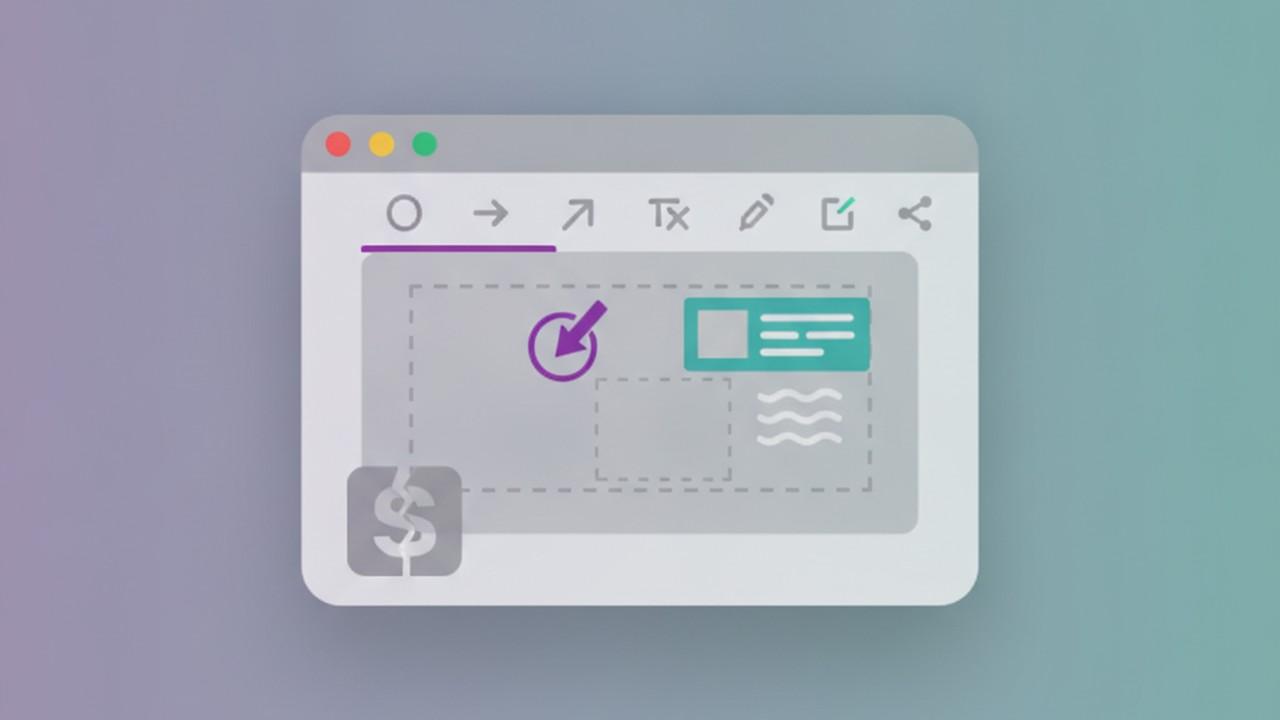
Best Greenshot Alternatives for Mac in 2026
Greenshot is free, open source, and beloved on Windows — but the Mac version is a different, poorly maintained app that most people regret buying. Here's what to use instead.
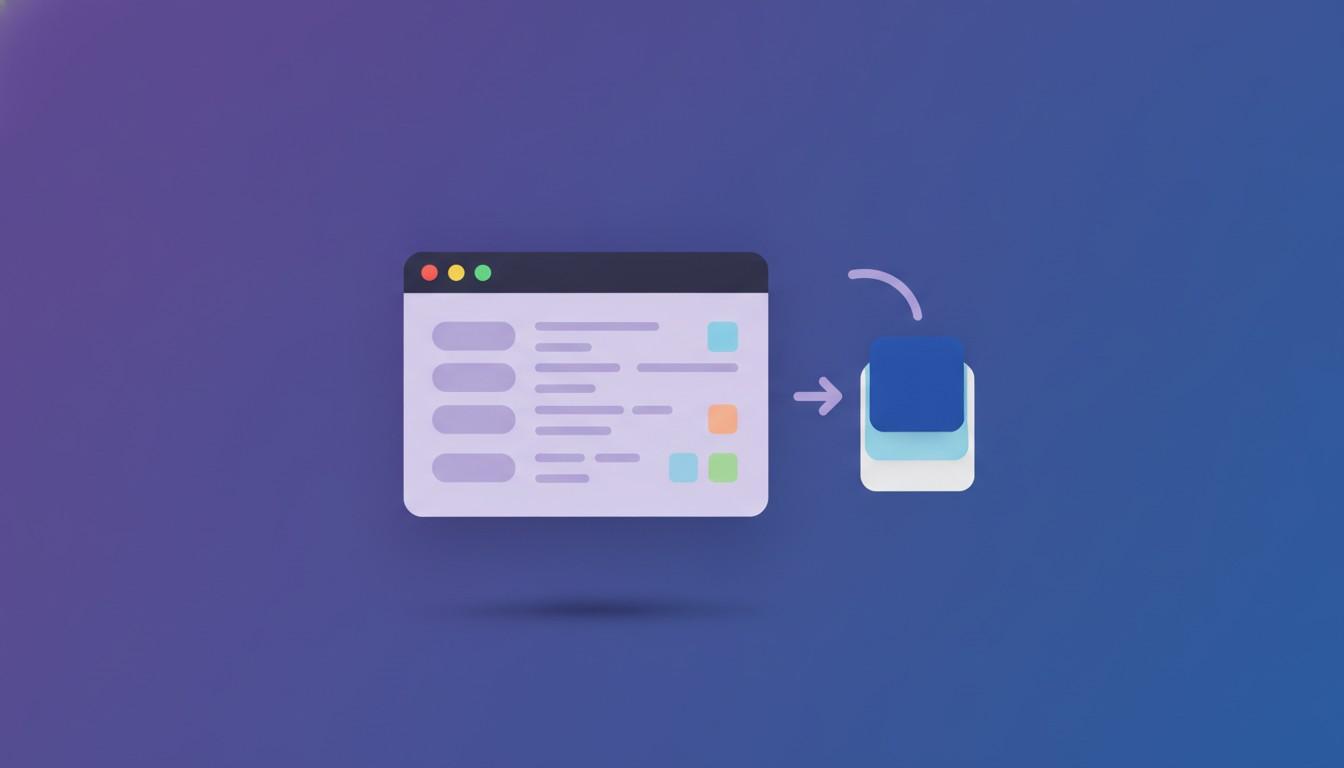
PNG vs JPG vs WebP: Which Format Should You Export a Screenshot As?
Most screenshot tools default to PNG and leave it there. That's usually fine, but not always the smallest or most compatible choice. Here's what actually differs between PNG, JPG, and WebP for screenshots specifically, and how to pick per destination.
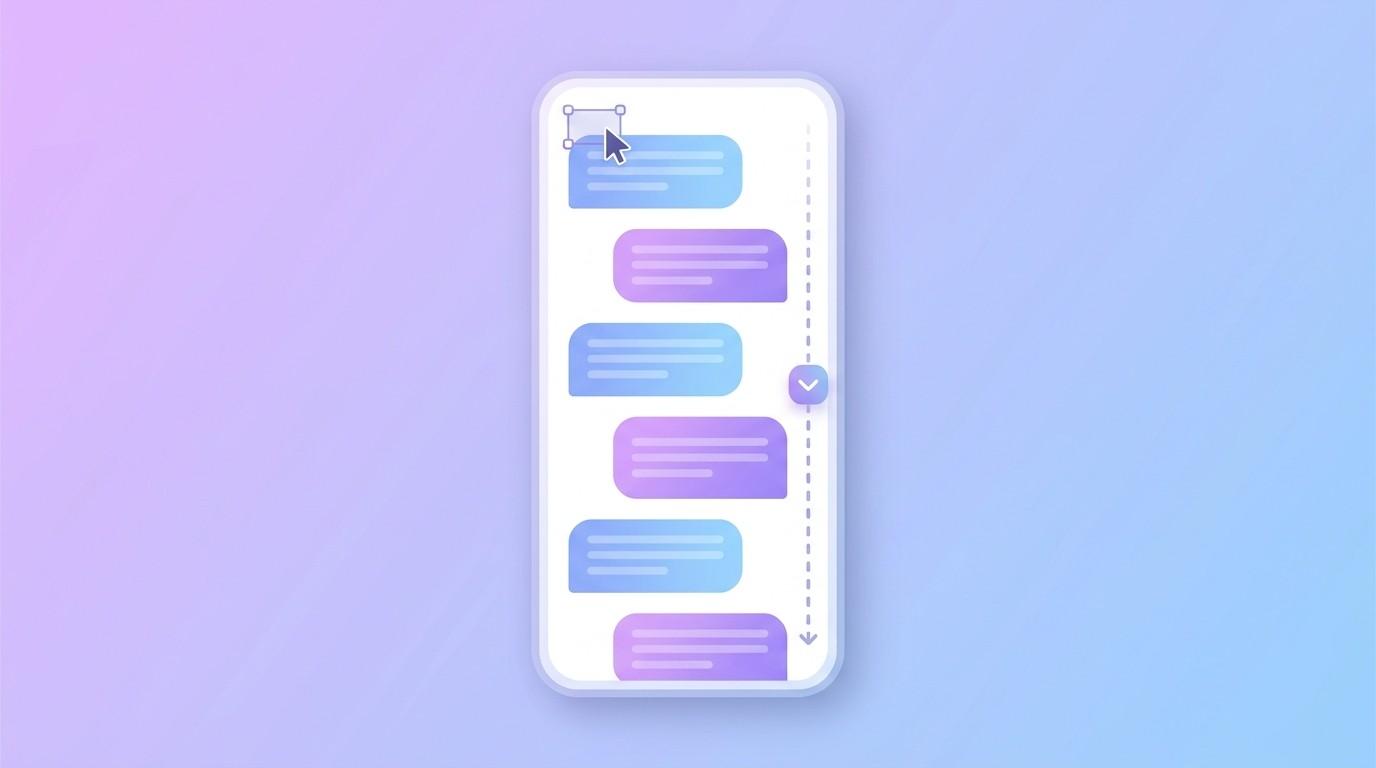
How to Screenshot a Long Chat or DM Conversation Without It Getting Cut Off
A chat thread is almost always taller than your screen, so a normal screenshot only ever catches part of the conversation. Here's how scrolling capture solves that, when it doesn't work, and how to redact names or numbers before you share the result.
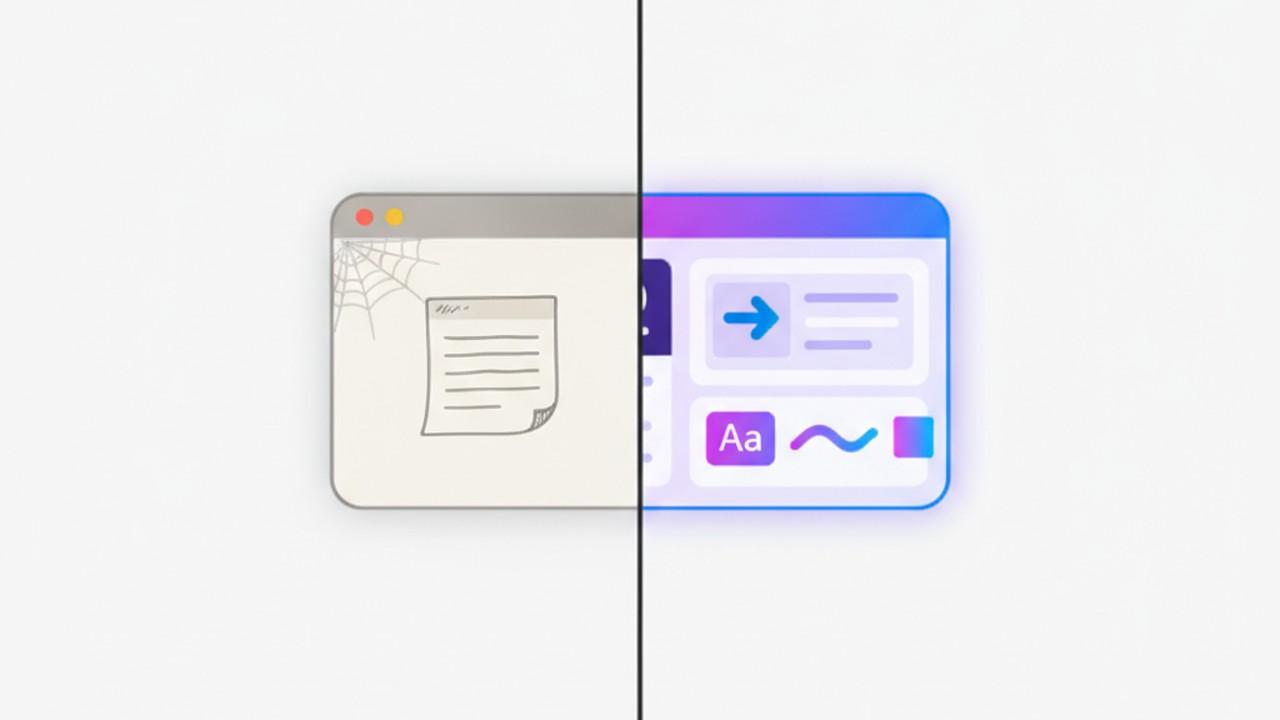
Best Skitch Alternatives for Windows in 2026
Skitch never really had a modern Windows version, and the Mac app hasn't been meaningfully updated since 2020. Here's what actually replaces its quick capture-and-annotate workflow.
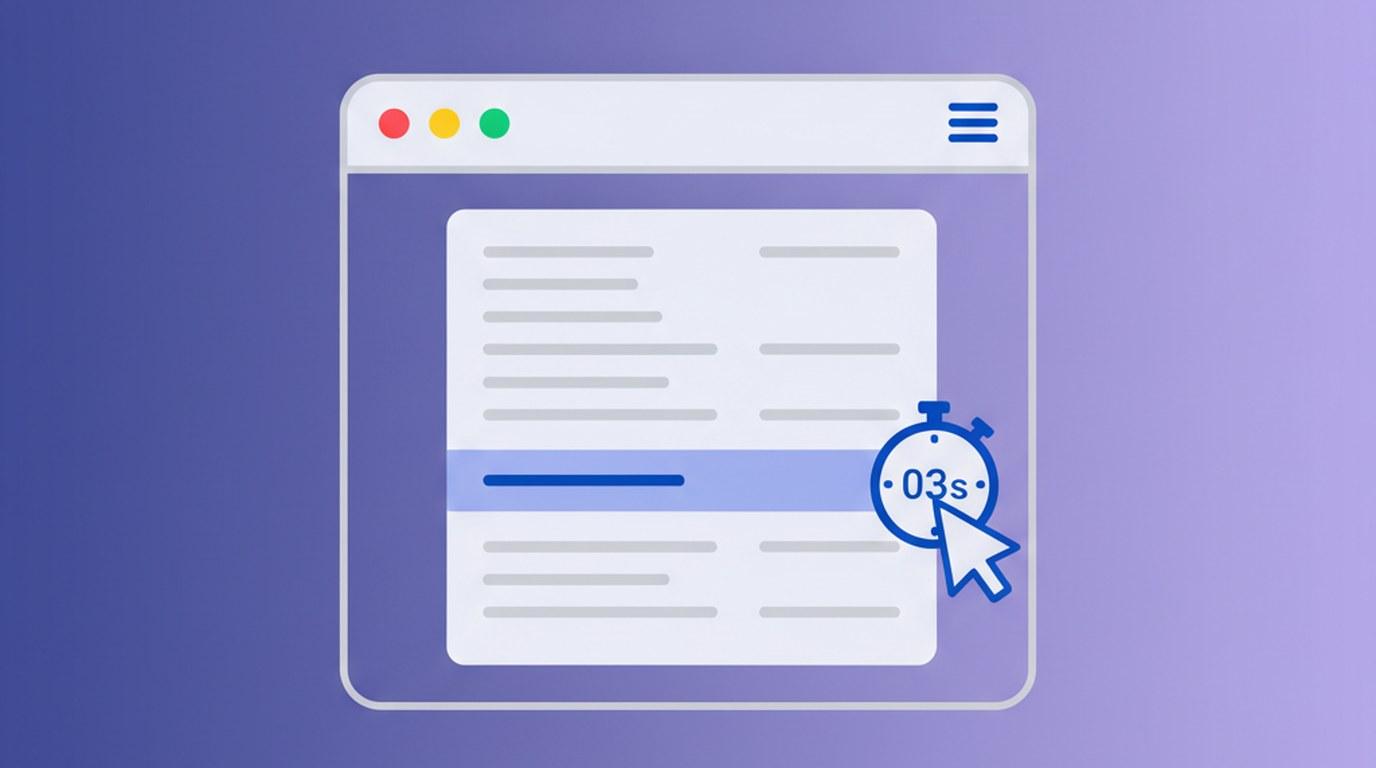
How to Screenshot a Dropdown Menu or Tooltip Before It Disappears
The menu closes the moment you try to select it, and pressing the screenshot shortcut kills the hover state you were trying to capture. Here's how delayed capture actually solves this, and what to do when a timer alone isn't enough.
How to Keep Screenshots On-Brand Without Redoing the Same Settings Every Time
Padding, background, border radius, device frame — if you're setting these by hand on every screenshot, your screenshots drift. Here's how saved presets keep a product or team's screenshots looking like they came from the same place, without the manual upkeep.
How to Make a Code Screenshot Look Good (Without Retyping It Into Carbon)
Carbon and Ray.so make a code snippet look polished, but only after you paste it in separately from wherever you actually wrote or ran it. Here's the alternative: capturing your real editor or terminal and dressing up the screenshot itself.
How to Edit a Screenshot Someone Else Sent You
Most screenshot guides assume you're the one who captured the image. Here's what changes when you didn't — a customer's ticket attachment, an old Slack download, a teammate's Figma export — and how to redact, brand, and reuse it anyway.
The Best Screenshot Tools for Developers in 2026
Bug reports, PR reviews, terminal output, README screenshots — developers capture more screens than almost anyone. Here's how the best tools for the job compare in 2026.
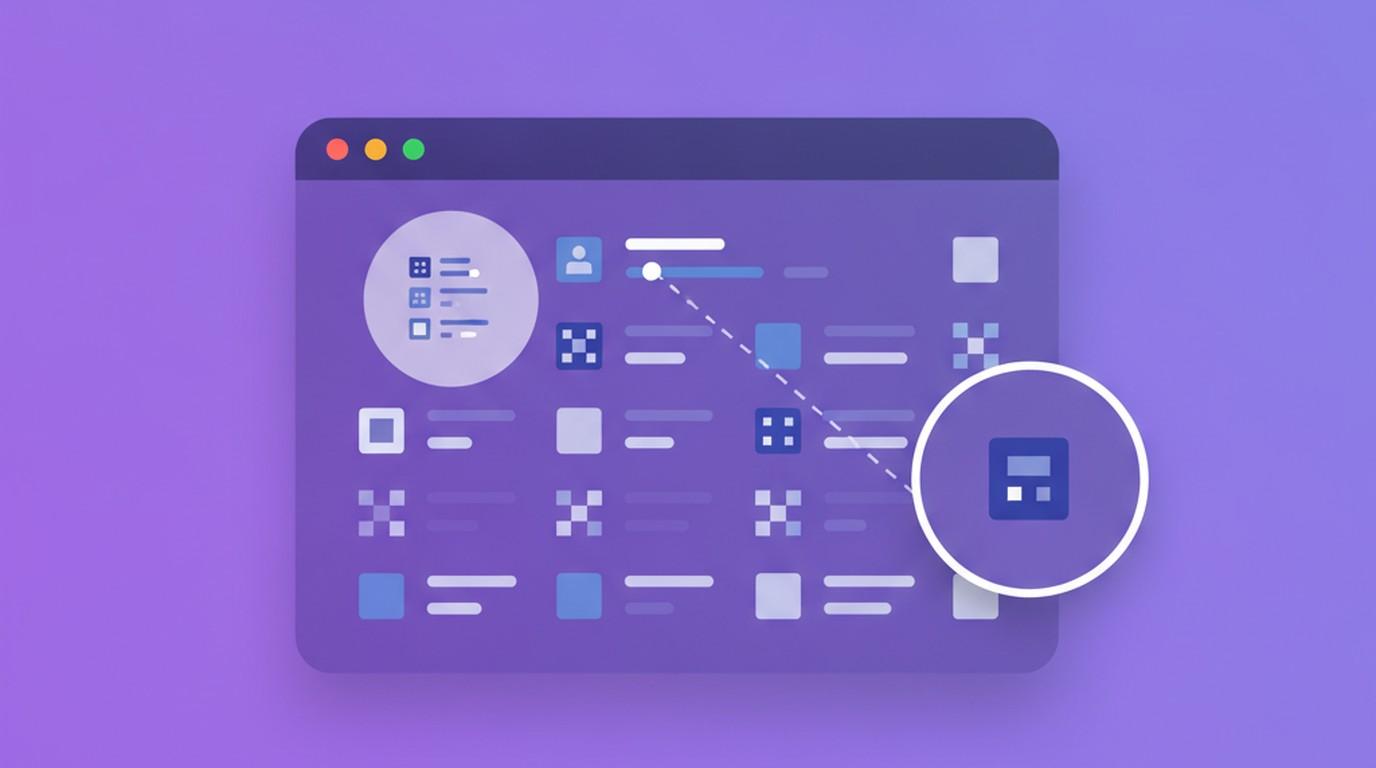
How to Highlight One Detail in a Screenshot (Without Cropping or Cluttering It)
An arrow works until you need to point at something small, or dim everything else without losing the surrounding context. Here's when to reach for a spotlight, a zoom callout, or a plain box — and how each one actually works.
Screenshot Keyboard Shortcuts Worth Actually Memorizing (Mac and Windows)
Most screenshots still get taken by hunting through a menu or right-clicking a tray icon. Here's the full shortcut stack — OS-level, tool-level, and in-editor — worth building into muscle memory, and where each layer actually helps.
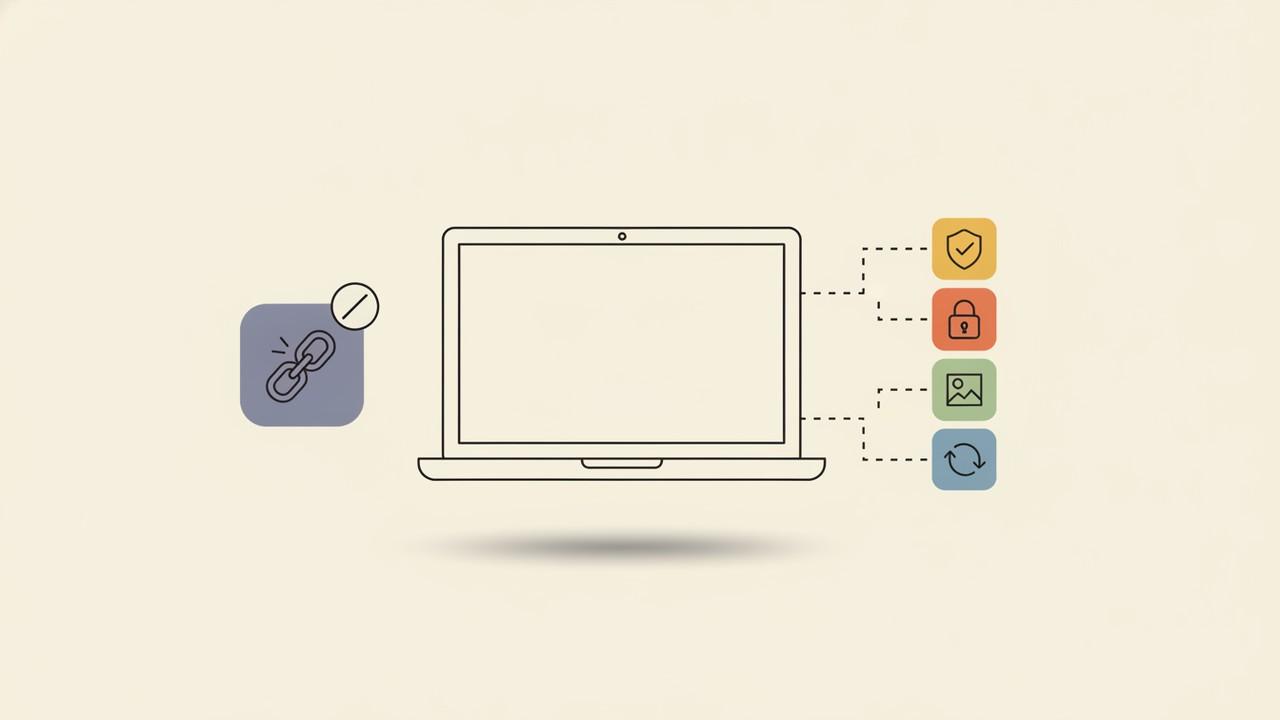
Best Lightshot Alternatives for Windows in 2026
Lightshot has gone years without a real update, and its screenshot-sharing links have a well-documented privacy problem. Here's what's actually wrong with it and which Windows alternatives are worth switching to.
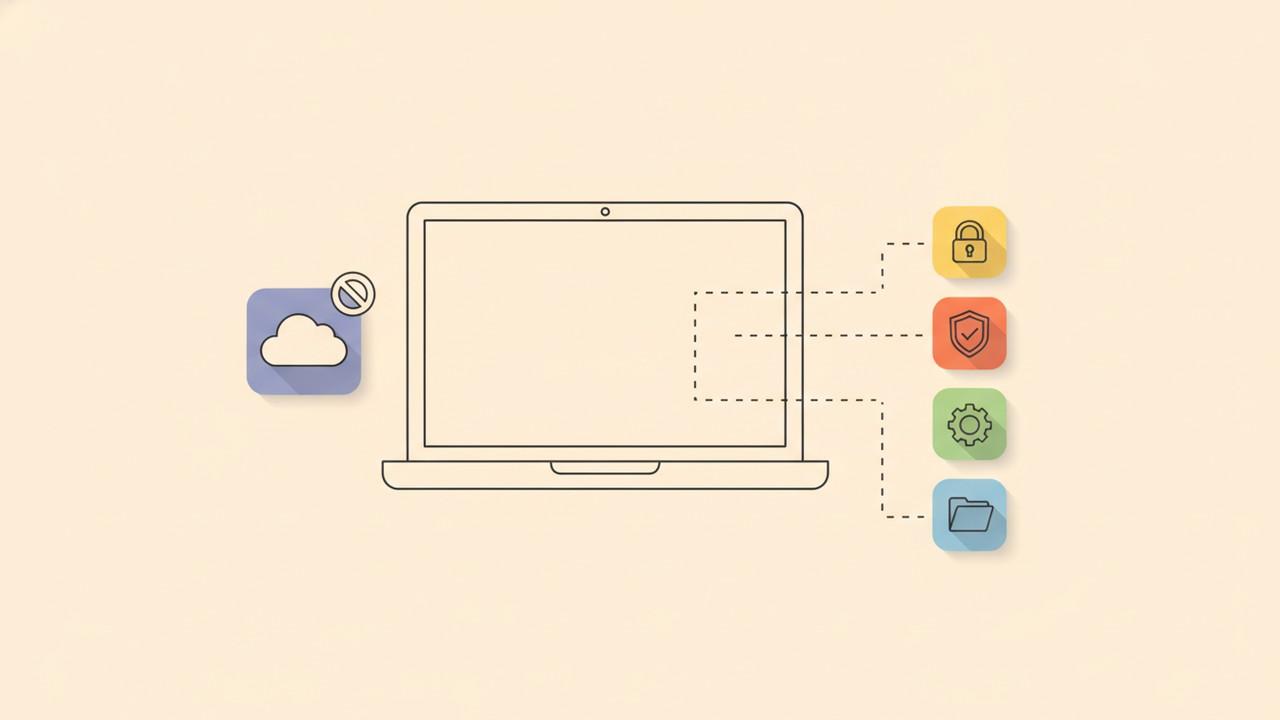
Screenshot Tools With No Cloud Upload: What Actually Stays Local in 2026
Most screenshot 'beautifier' apps now ship some kind of cloud sharing feature. Here's what actually happens to your image by default in CleanShot X, Snagit, Xnapper, ShareX, Greenshot, and Savvyshot — and how to check before you screenshot something sensitive.
How to Make an Animated Screenshot for Social Media (Without a Screen Recording)
A looping motion background behind a static screenshot gets more attention in a feed than a flat image — without the effort of recording a full product demo. Here's how the format works and how to build one.
Best ShareX Alternatives for Mac in 2026
ShareX is free, open source, and arguably the most powerful screenshot tool ever built for Windows — and it doesn't run on macOS. Here's what Mac users actually switch to, and where each option falls short of the original.
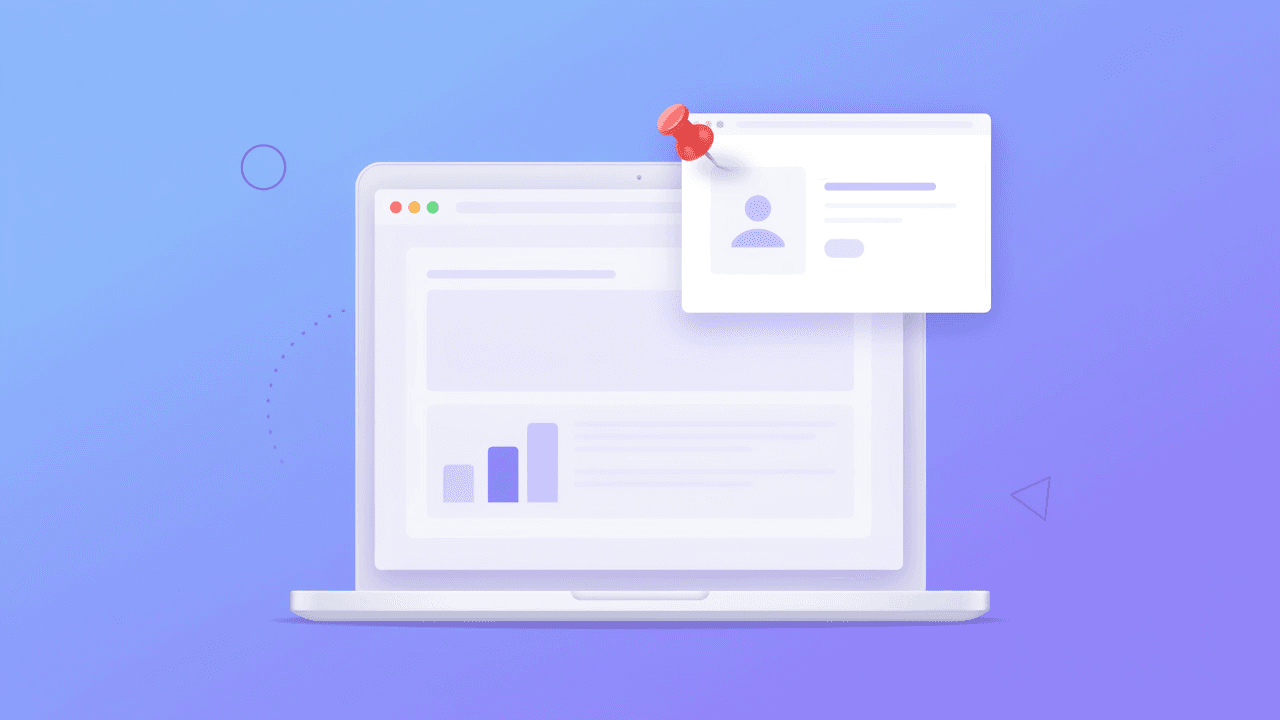
How to Pin a Screenshot to Your Screen (So It Stays On Top While You Work)
Switching back and forth between a screenshot and the app you're rebuilding it in wastes time and breaks focus. Here's what 'pinning' a screenshot actually does, which tools support it, and how to use it well.
How to Write Bug Reports Developers Can Actually Act On
A screenshot dropped into a ticket with 'this is broken' wastes everyone's time. Here's what makes a bug report screenshot actually useful, and how to capture, mark up, and redact one without a second round-trip.
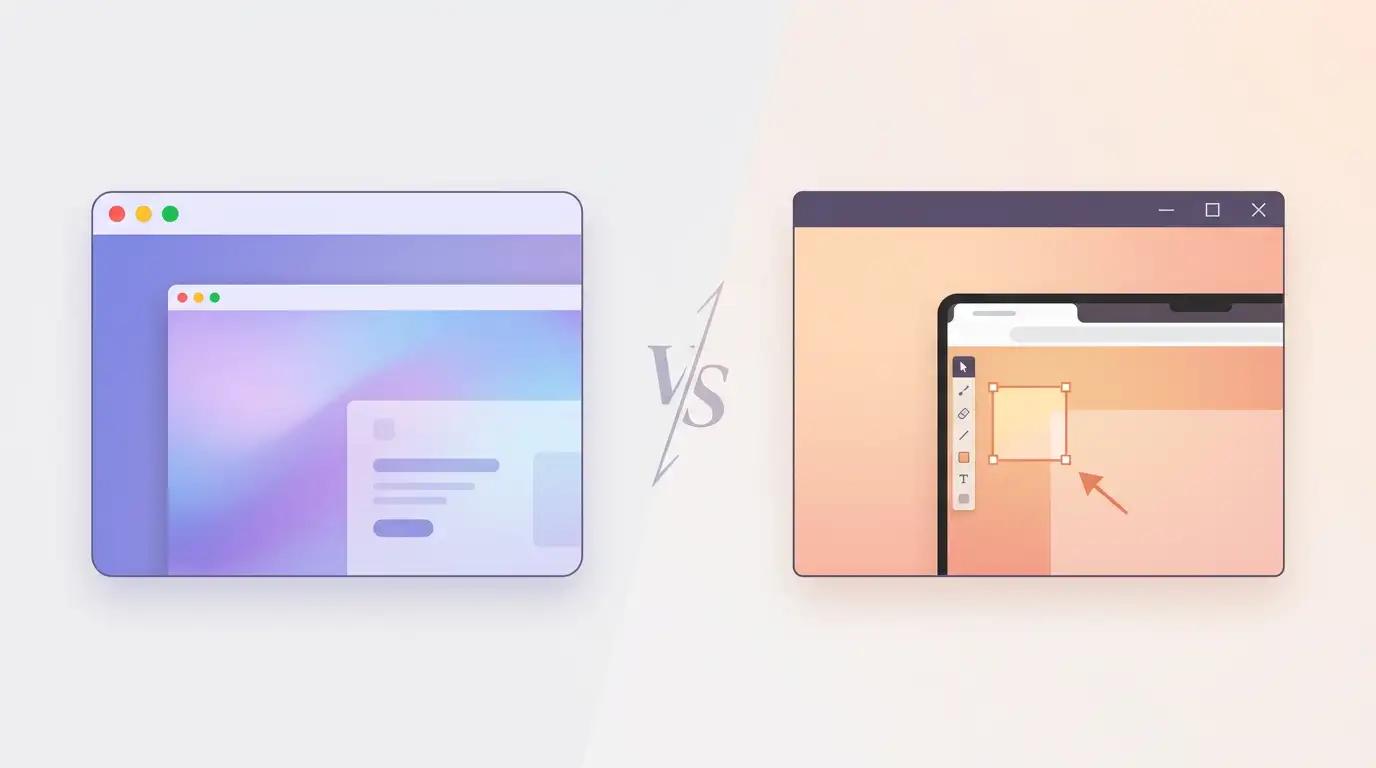
Best Xnapper Alternatives for Windows in 2026
Xnapper turns a raw screenshot into a gradient-backed, auto-balanced image in one click — but it only runs on macOS. Here's what Windows users land on instead, and how each option actually compares.
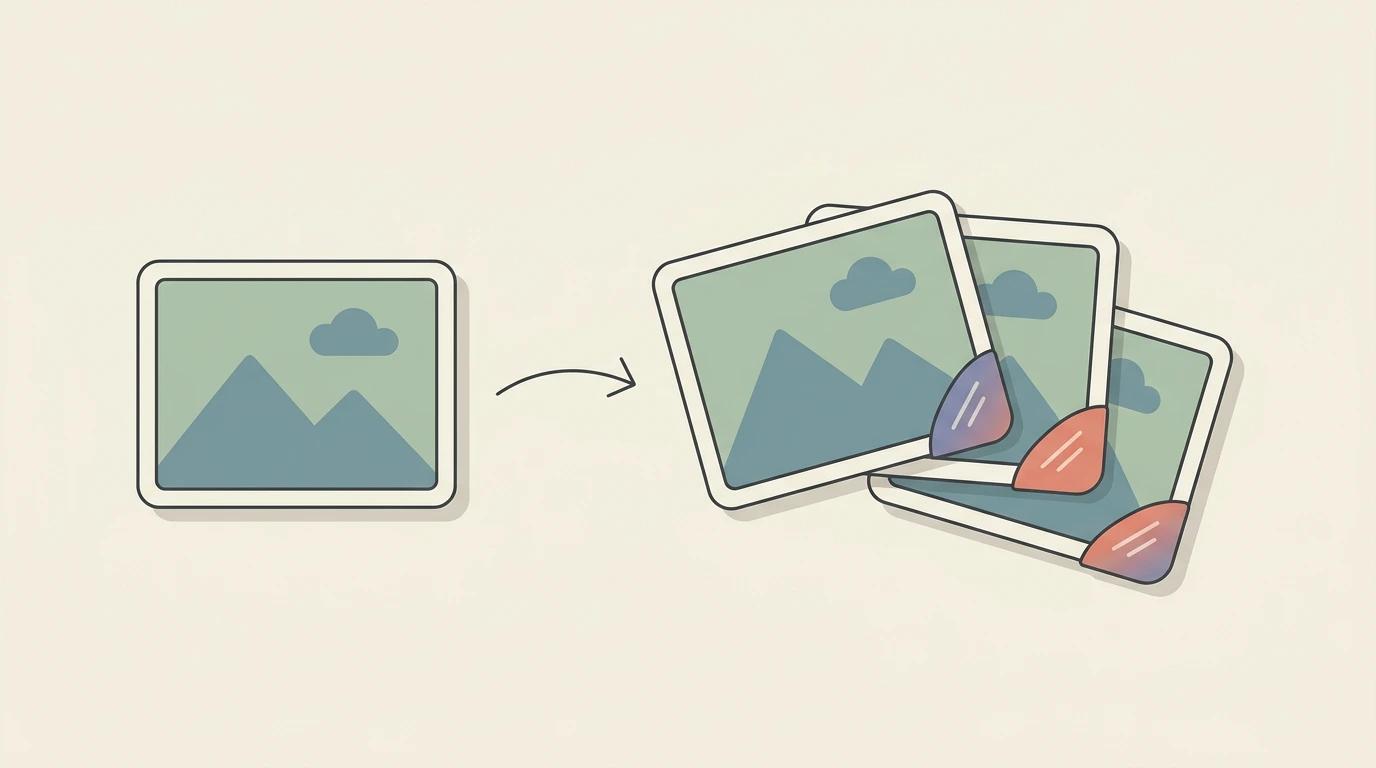
How to Add a Watermark to Your Screenshots (and When You Actually Need One)
A watermark won't stop someone determined to steal your screenshot, but it's still the fastest way to keep attribution attached when your work gets reposted, forwarded, or screenshotted again. Here's when it's worth doing and how to do it well.
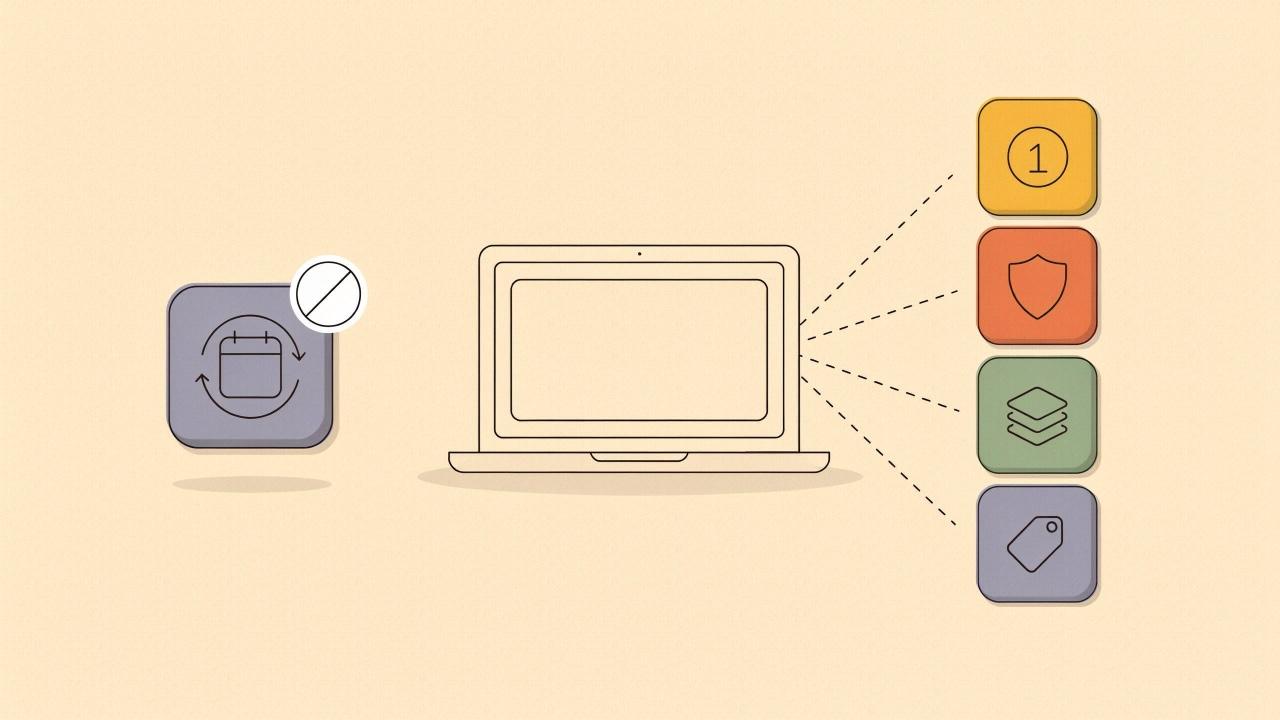
Best Shottr Alternatives for Windows in 2026
Shottr is a fast, pixel-precise screenshot app for Mac — and it has no Windows version, with none planned. Here's what Windows users land on instead, and how each option compares.
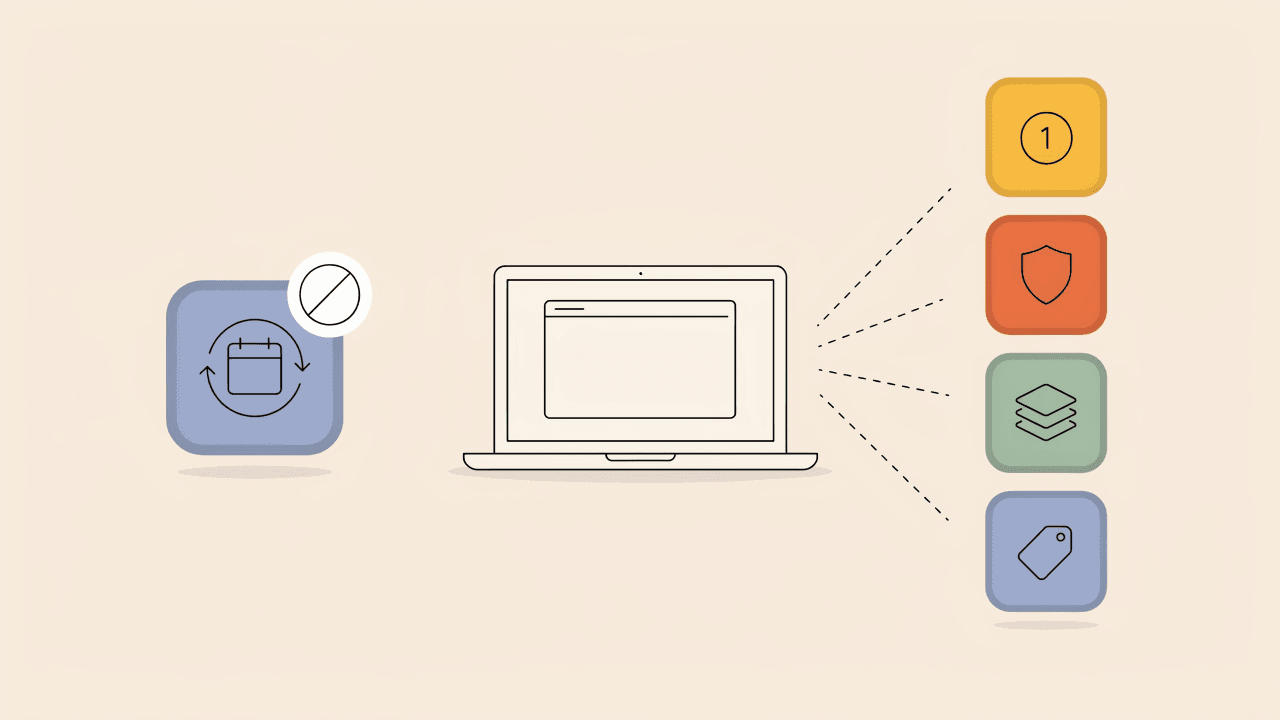
Best Snagit Alternatives in 2026 (Now That It's Subscription-Only)
TechSmith ended perpetual licensing for Snagit in 2025. Here's what documentation teams, support agents, and solo tutorial writers are switching to instead — and how each option actually compares.
How to Create Step-by-Step Screenshot Tutorials People Actually Follow
Support macros, onboarding guides, SOPs — most process documentation is a sequence of screenshots. Here's how to plan, number, and format that sequence so readers don't get lost halfway through.
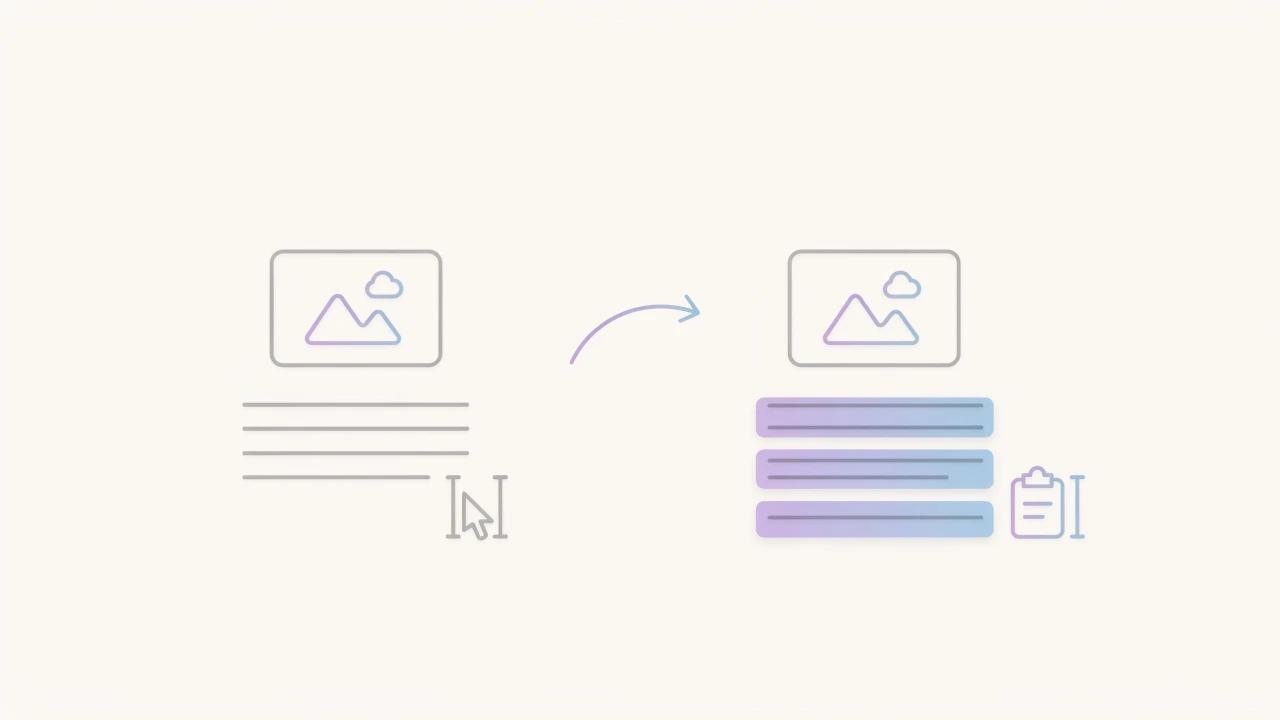
How to Extract Text From a Screenshot on Mac and Windows
Retyping text from a screenshot is a waste of time when both operating systems can read it for you. Here's how built-in OCR works on Mac and Windows, where it falls short, and when a dedicated screenshot editor is worth using instead.

What's New in Savvyshot 1.4.2: A Better OCR Text Selection, Style Profile Controls, and More
Savvyshot 1.4.2 brings a dedicated OCR Text mode that no longer gets in the way of annotating, smarter style profile controls, new iPhone 17 device frames, and a faster, more reliable scrolling capture.
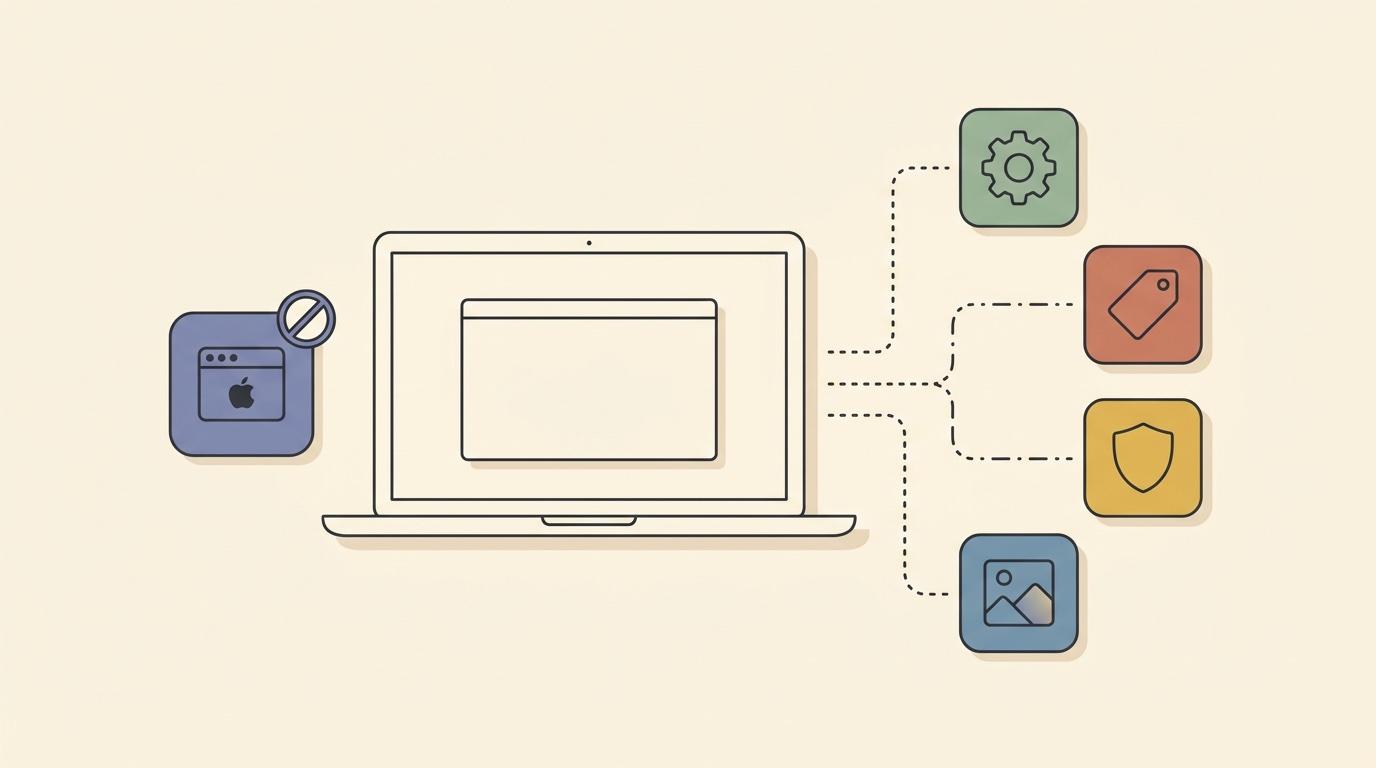
Best CleanShot X Alternatives for Windows in 2026
CleanShot X has no Windows version, and the company has no plans to build one. Here's what Windows users actually land on instead — free, paid, and cross-platform — and how they compare.
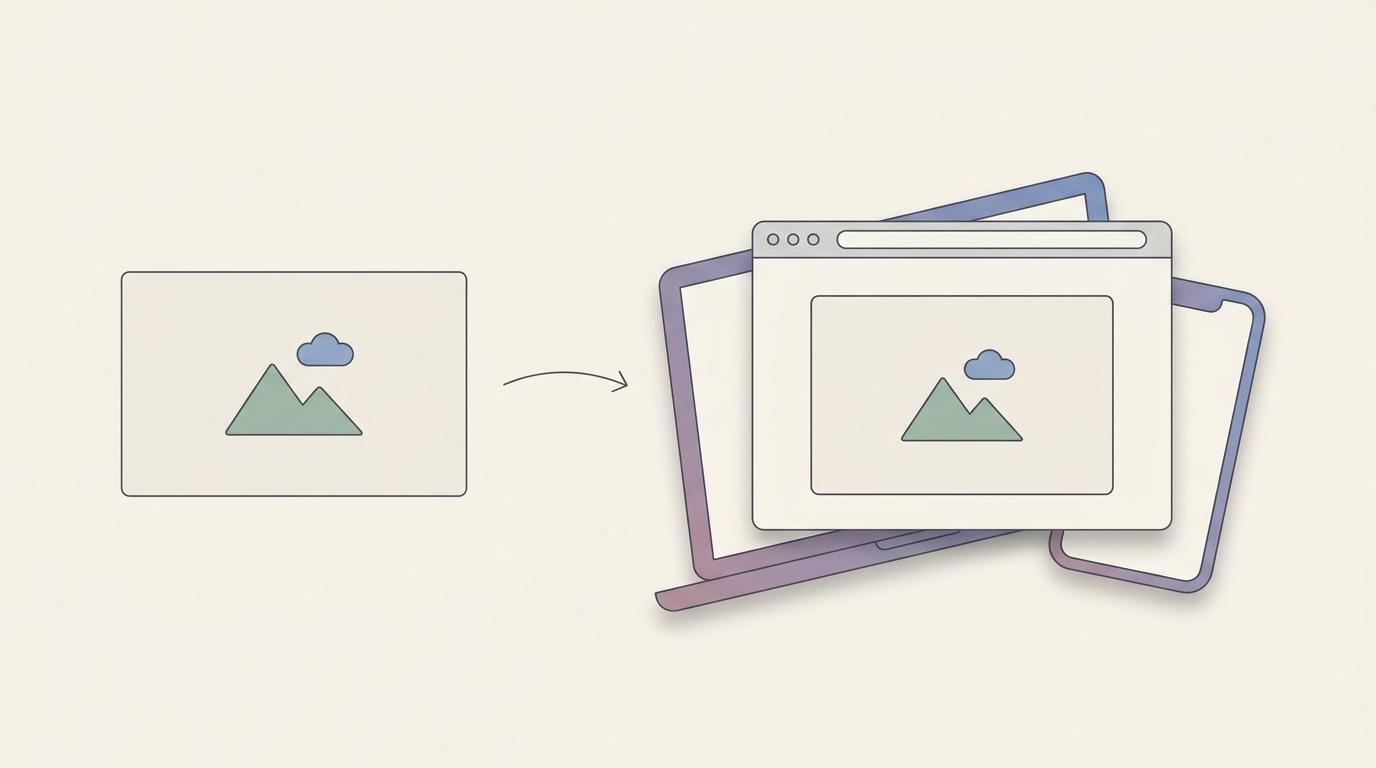
How to Add Device Mockups to Your Screenshots (Browser, Phone, and Laptop Frames)
A plain screenshot reads as a raw crop. Wrapped in a browser, phone, or laptop frame, it reads as a real product. Here's what device mockups are for, how to add them, and when a dedicated mockup tool is actually worth paying for.
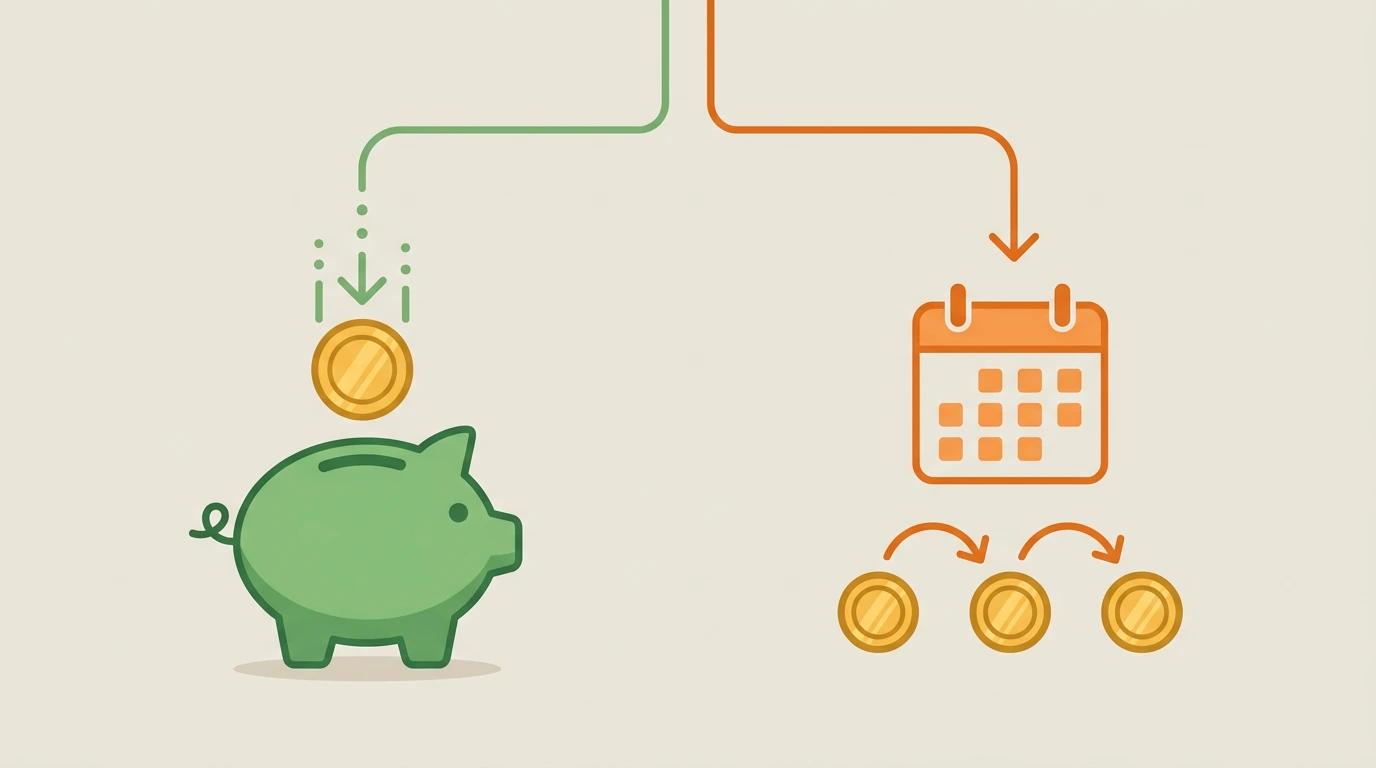
Screenshot Tools With One-Time Payment vs Subscription: What You Actually Get
Most screenshot tools have moved to subscriptions, but a few still offer one-time pricing. Here's what the difference actually costs you over time — and what to watch for in each model.
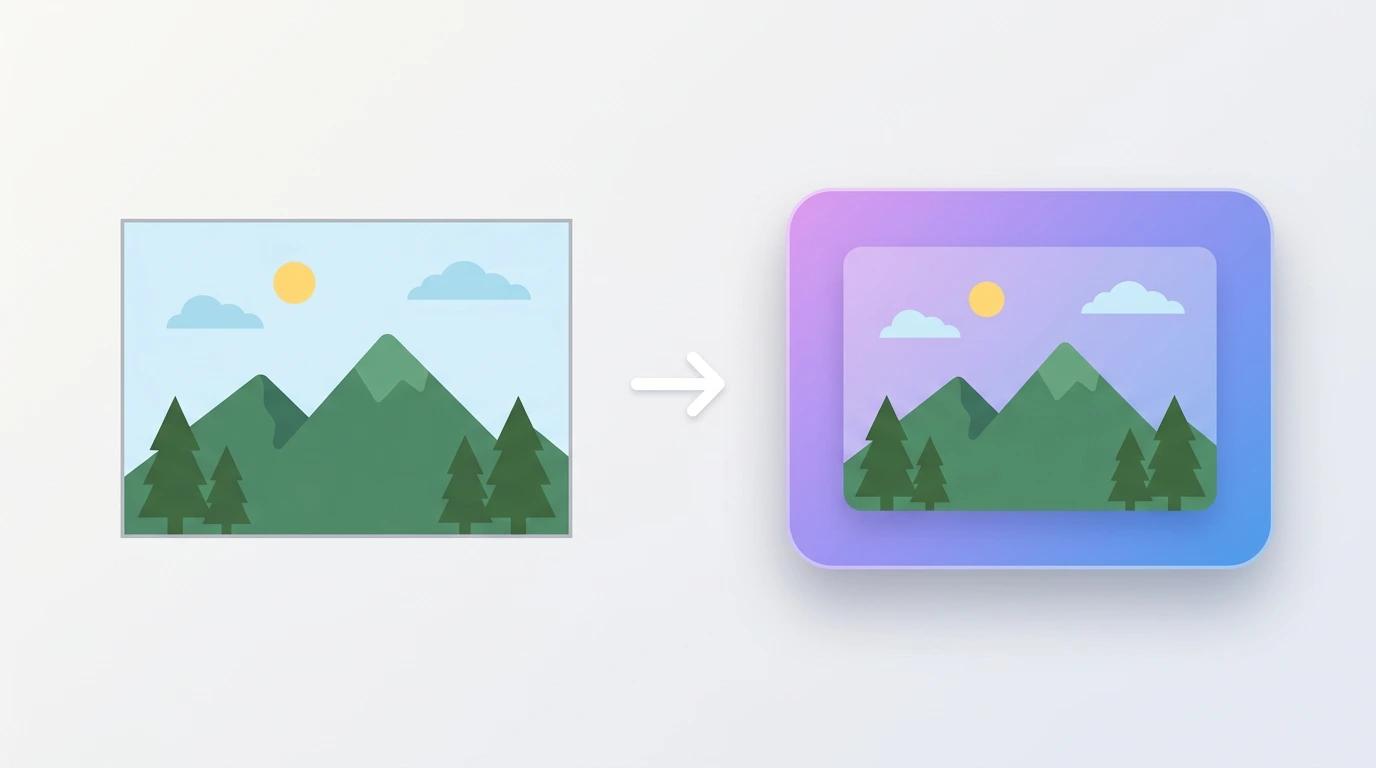
How to Add a Background to Your Screenshots (and Why It Matters)
Plain screenshots look unfinished. Here's how backgrounds, padding, and shadows turn a raw screen capture into something worth sharing — and which style fits which use case.
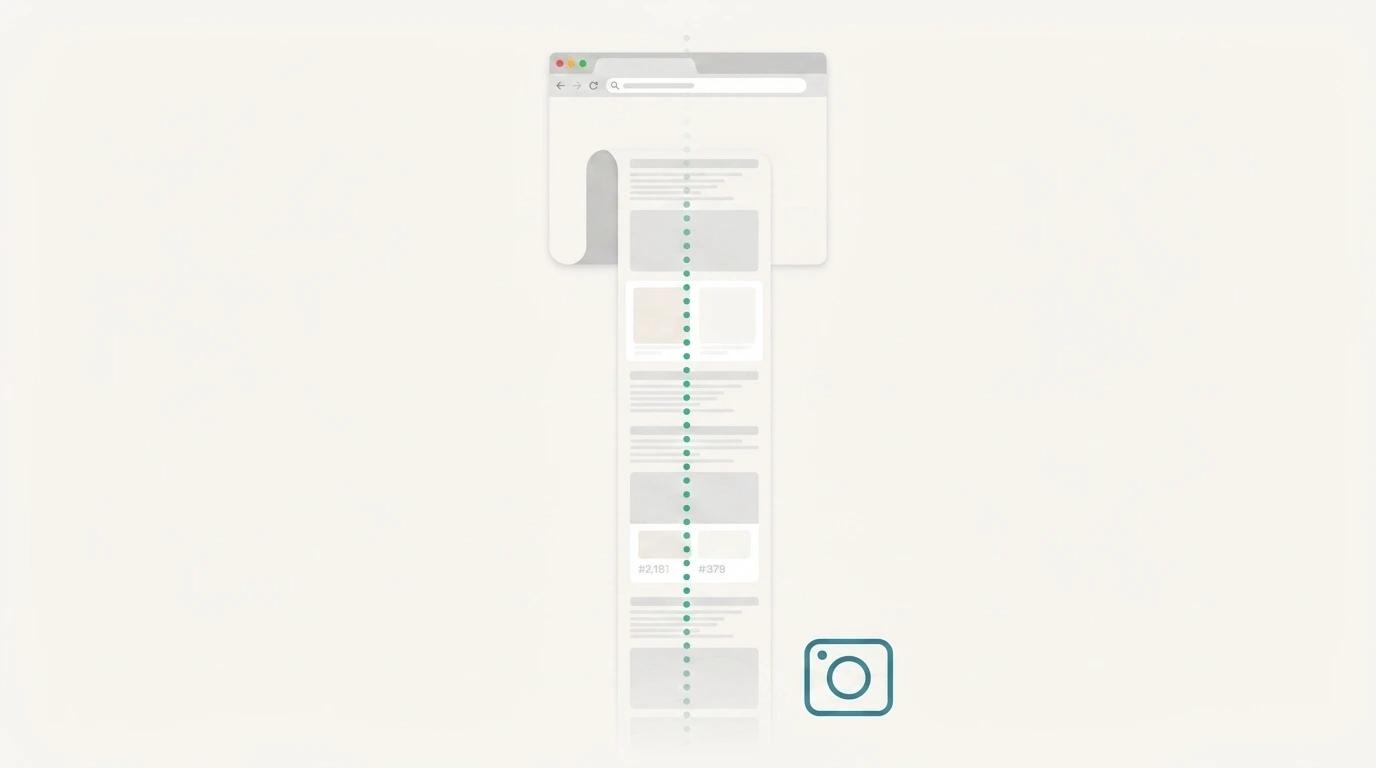
How to Take a Scrolling Screenshot on Mac and Windows
A complete guide to capturing full-page scrolling screenshots on Mac and Windows — for long web pages, chat threads, and documents that don't fit on one screen.
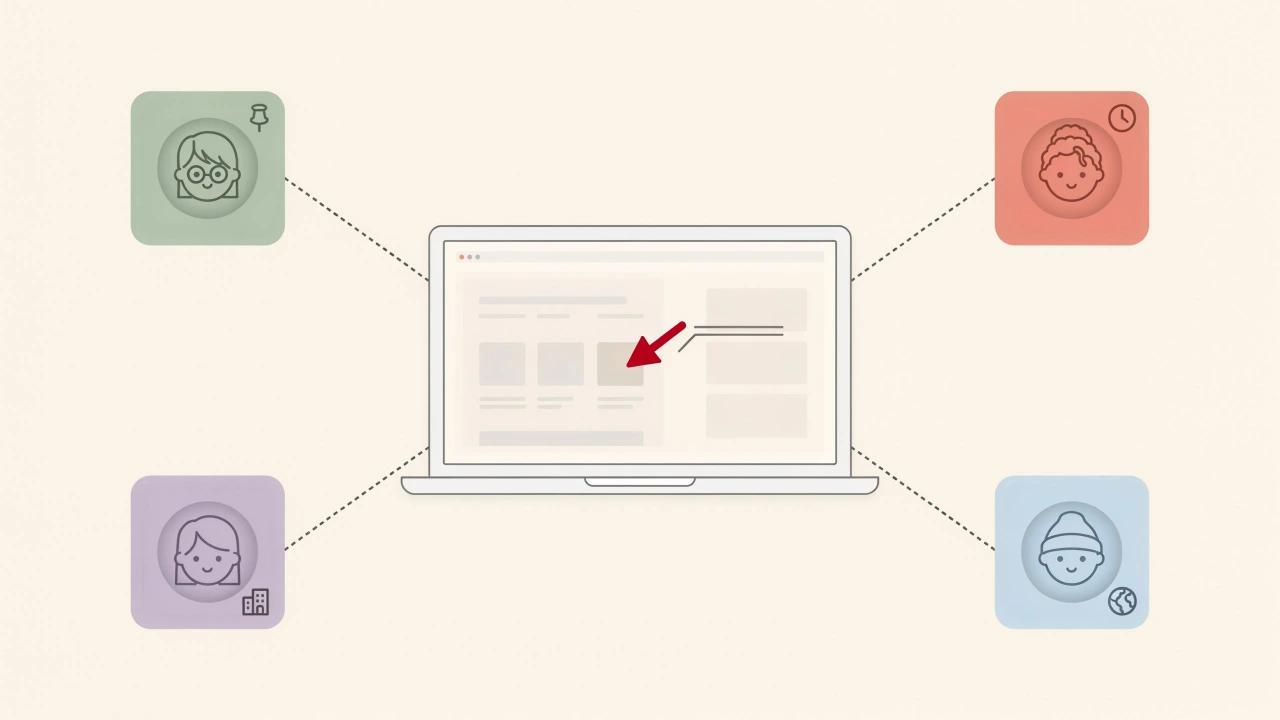
The Best Screenshot Tools for Remote Teams in 2026
Remote teams rely on screenshots for async feedback, bug reports, and documentation. Here are the best screenshot tools built for distributed work in 2026.
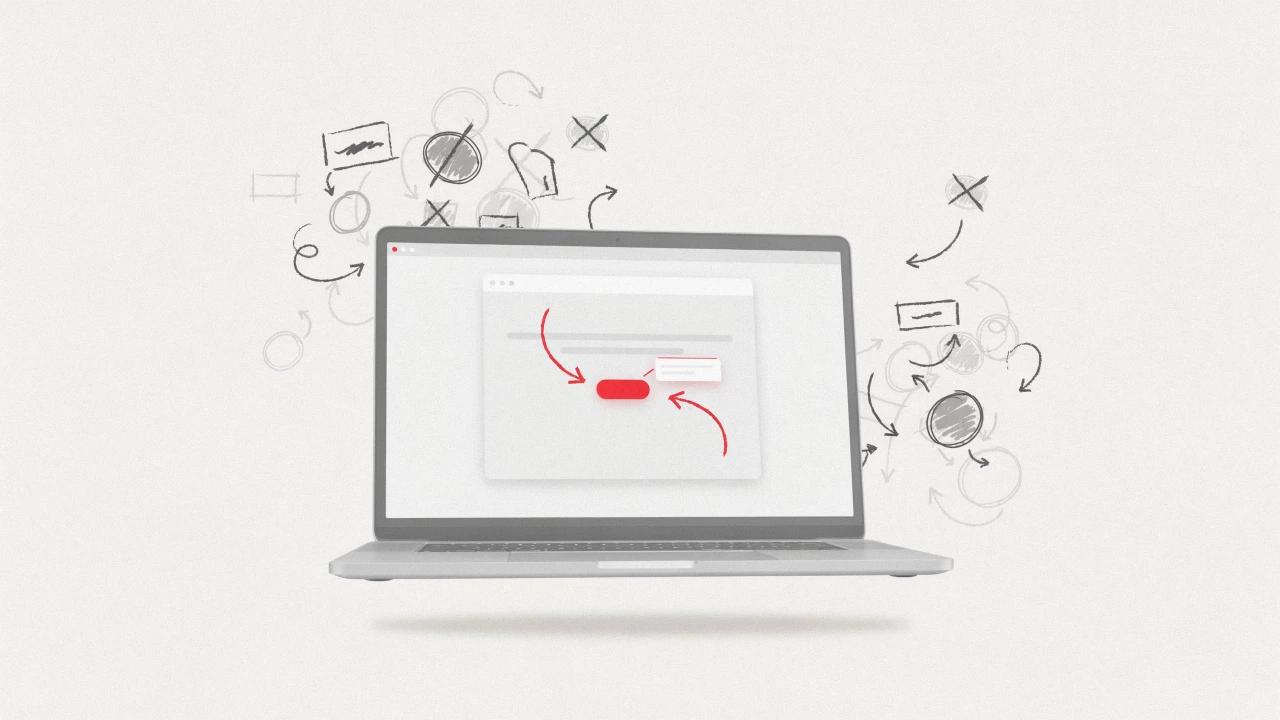
How to Annotate Screenshots Without Making Them Look Cluttered
Learn how to add arrows, callouts, and highlights to your screenshots without overwhelming your audience. Practical tips for clean, effective screenshot annotations.
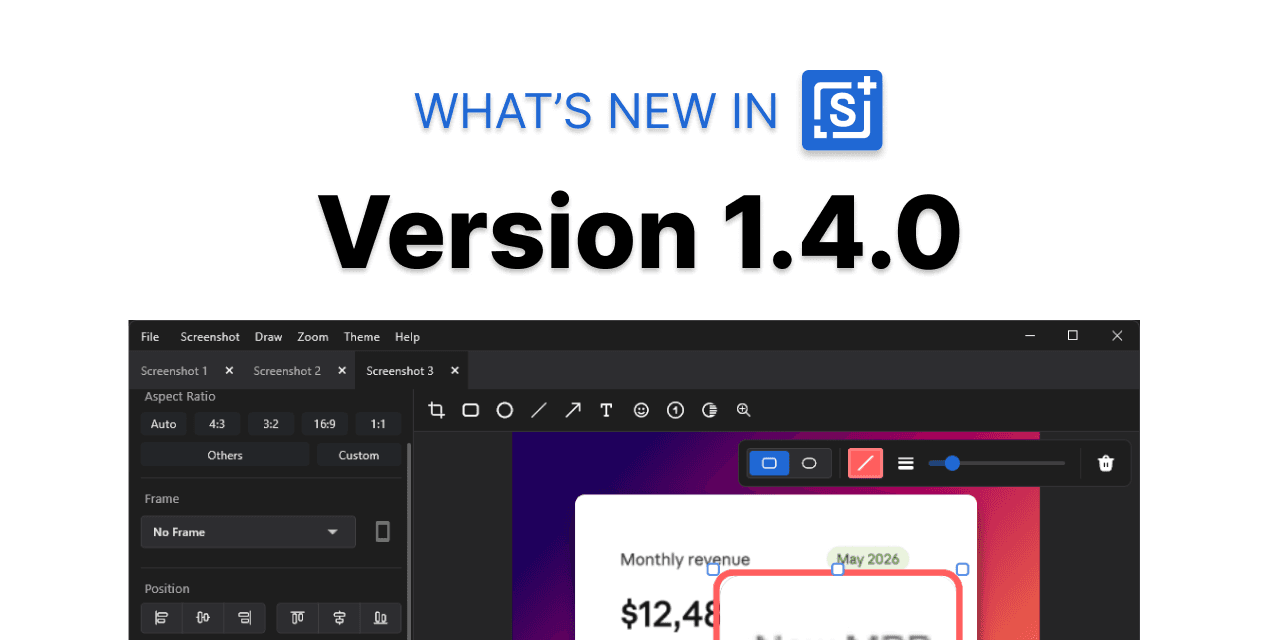
What's New in Savvyshot 1.4.0
Savvyshot 1.4.0 is here — with video backgrounds, a new magnifier annotation, improved annotation styles, and faster capture-to-share workflows.
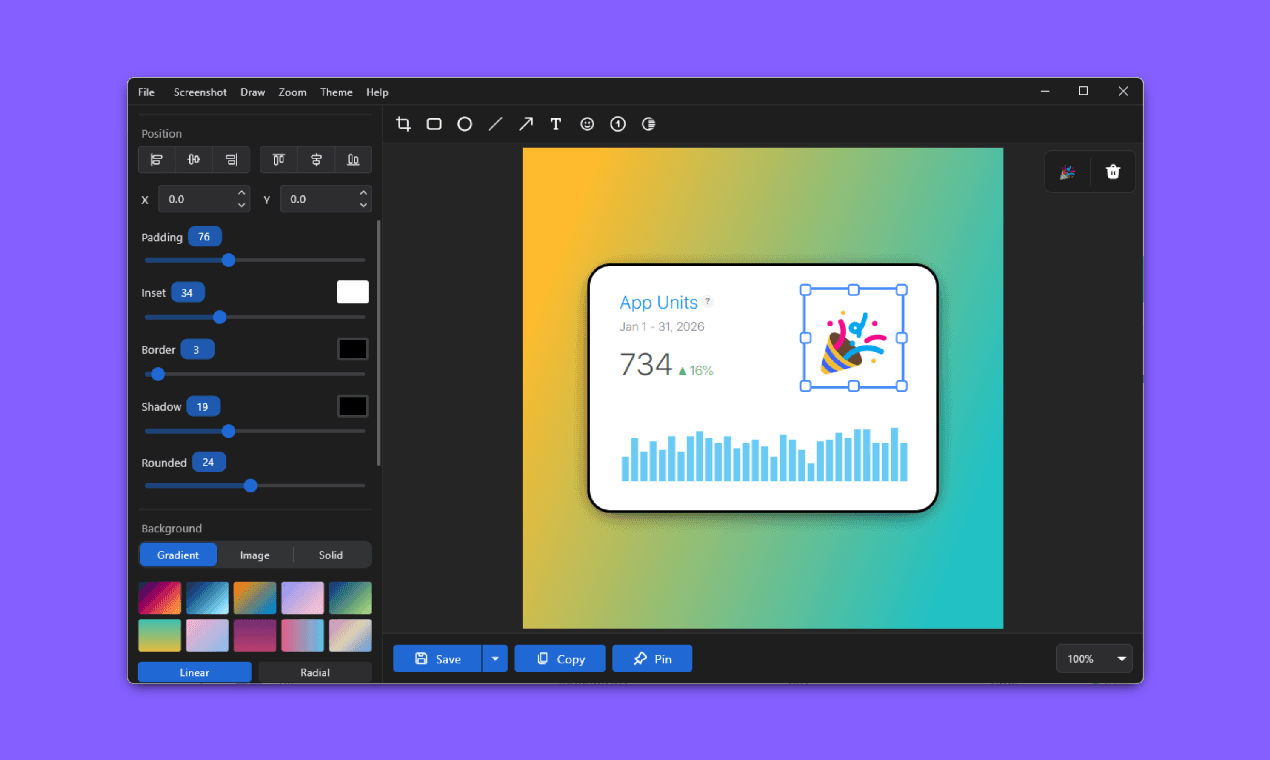
How to Make Your Screenshots Look Professional (Without Being a Designer)
Plain screenshots look amateurish. Here's exactly how to make yours look polished, credible, and share-worthy — no design skills required.
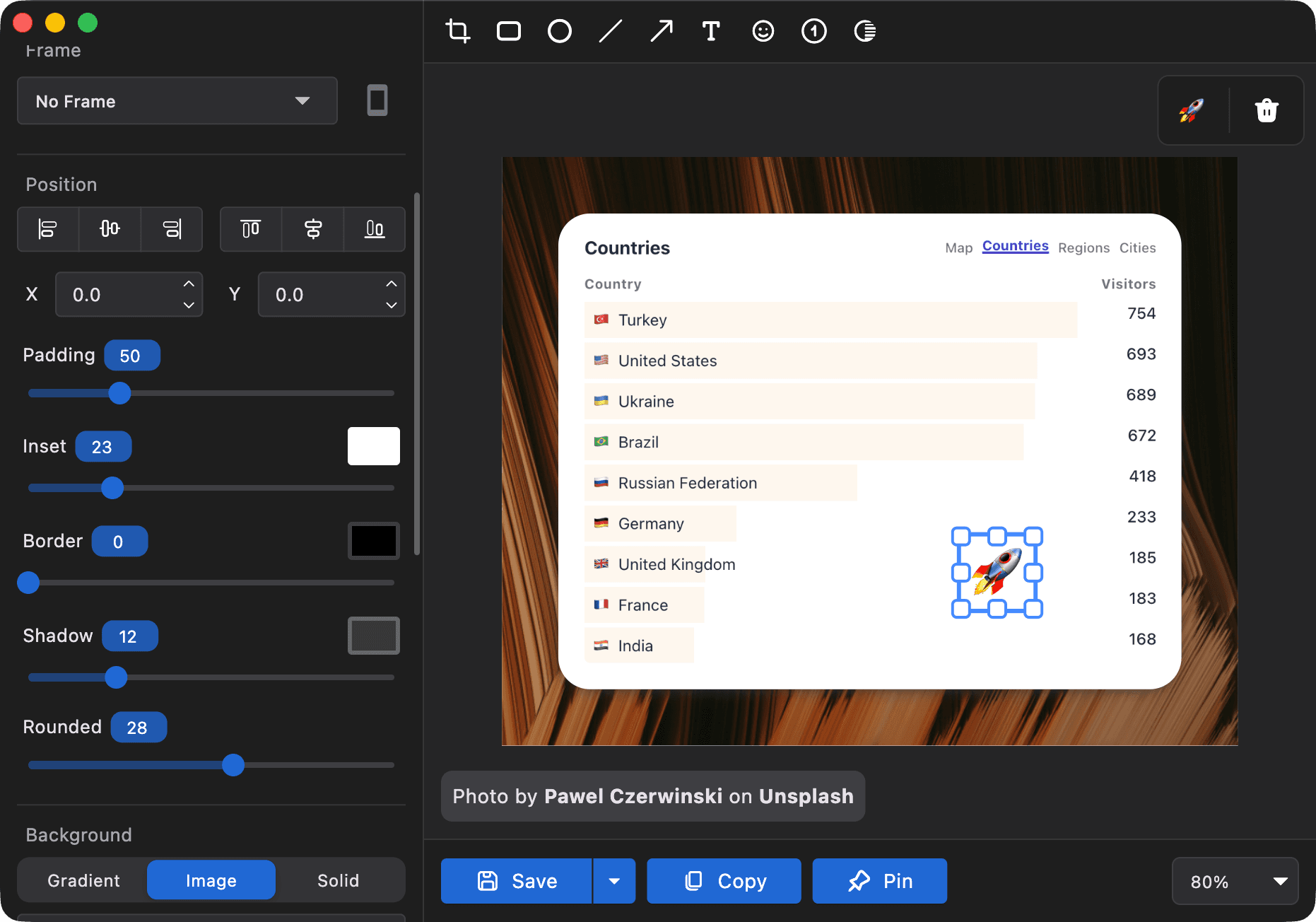
Best One-Time Purchase Screenshot Tools in 2026 (No Subscription)
Tired of paying monthly for a screenshot tool? Discover the best screenshot apps you can buy once and own forever - no subscriptions, no renewals.
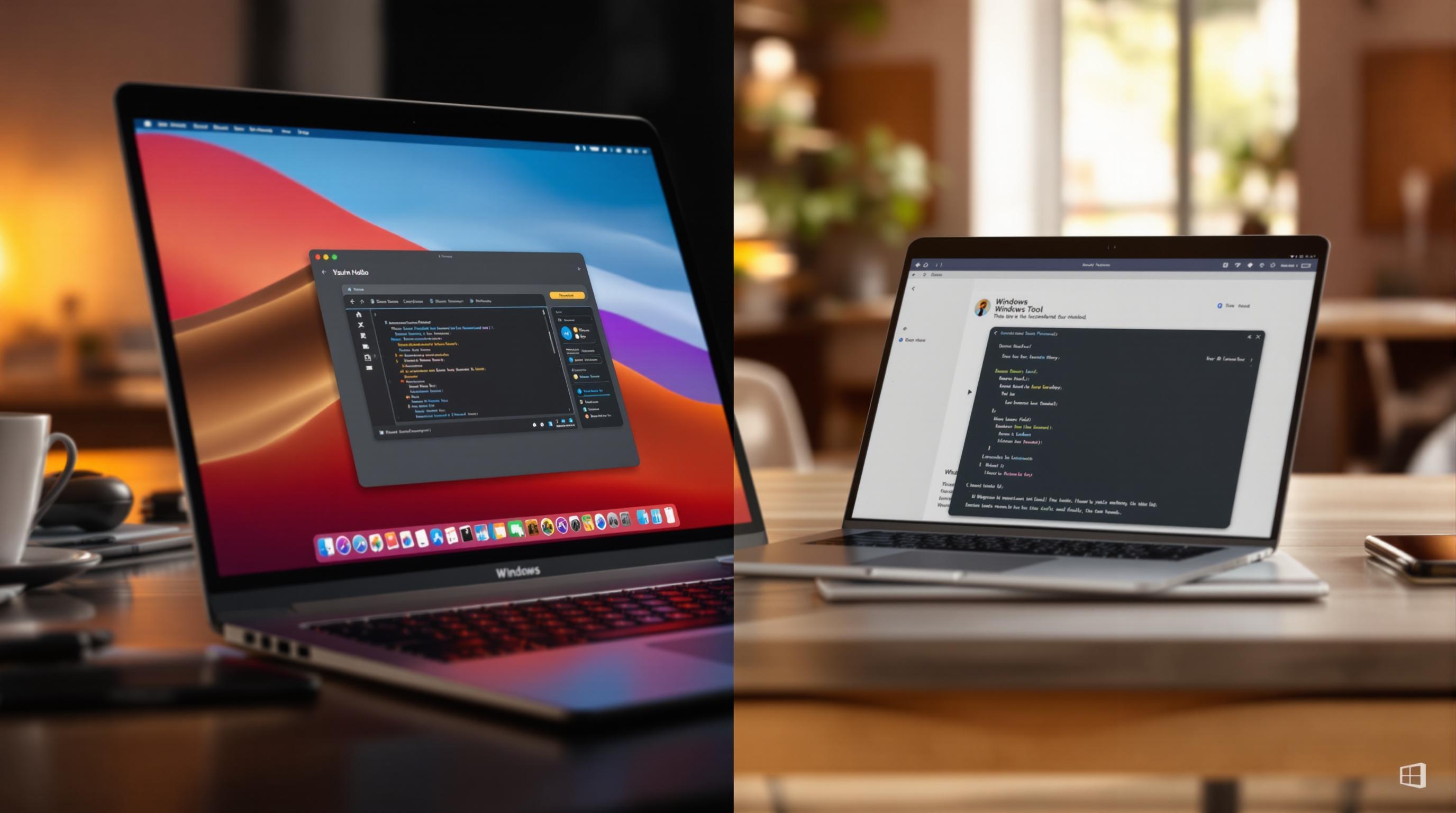
Mac vs Windows: Screenshot Tools Comparison Guide
Explore the best screenshot tools for Windows and Mac, comparing features, pricing, and usability to find the right fit for your needs.
10 Essential Screenshot Tools for Content Creators in 2025
Explore the top 10 screenshot tools of 2025, highlighting features, prices, and ideal use cases for content creators.
How to Capture Perfect Screenshots on Mac and Windows
Learn how to take high-quality screenshots on Mac and Windows with essential tips, tools, and techniques for professional results.
How to Redact/Blur Text or Area in Screenshots using Savvyshot
Learn how Savvyshot's Redaction/Blur tools help you create clean and secure screenshots for professional use.